

3175x175(CURRENT).thumb.jpg.b05acc060982b36f5891ba728e6d953c.jpg)
August 2025 is now history, so it is time to recap everything that Microsoft added, removed, or changed in Windows 11 during the last month New features, removed features, bugs, various developments, and other useful news.
New features:
-
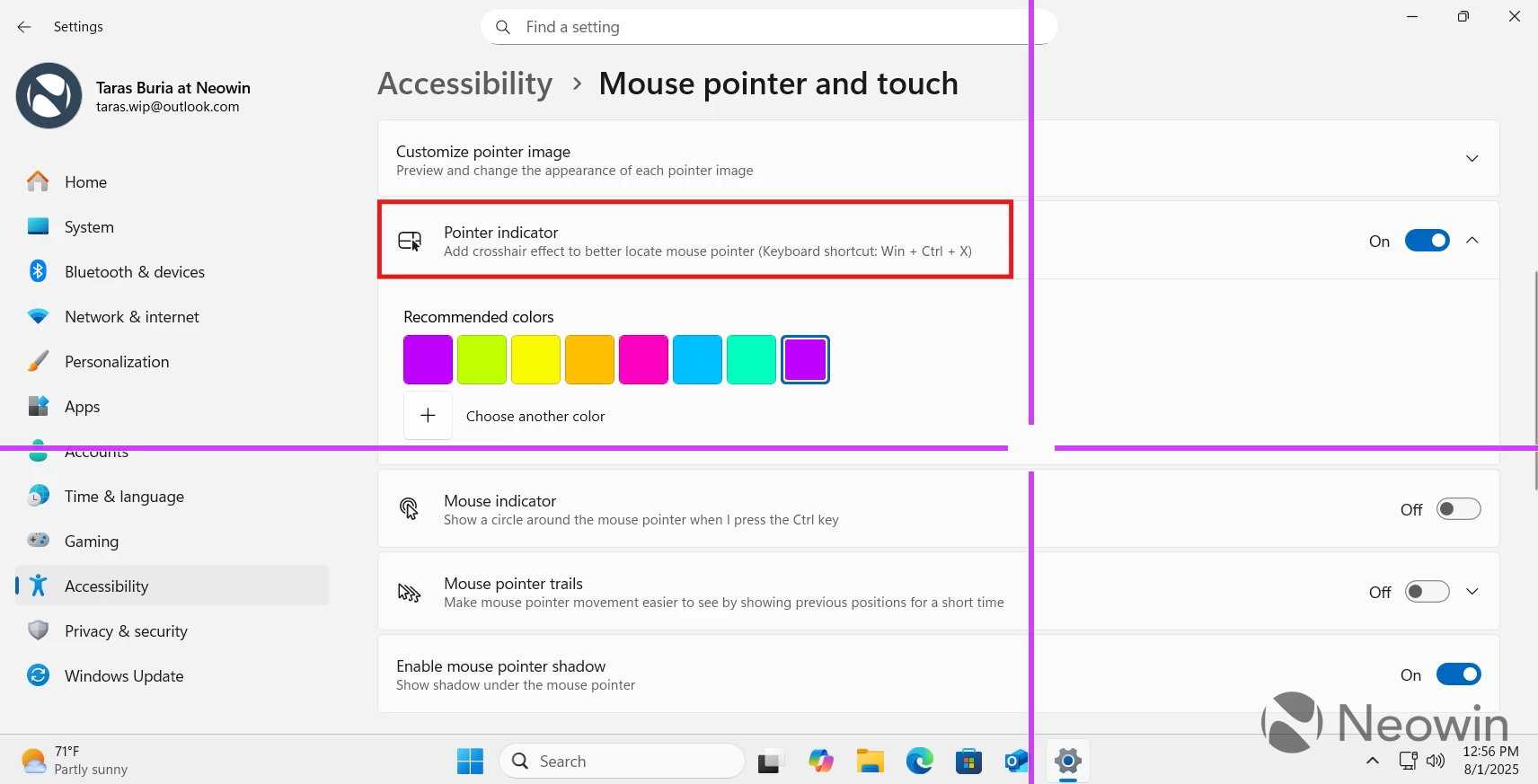
Pointer crosshair: A useful PowerToys tool is returning to Windows 11. Canary users can enable mouse crosshair for improved accessibility to better see the cursor's position on the screen.
-
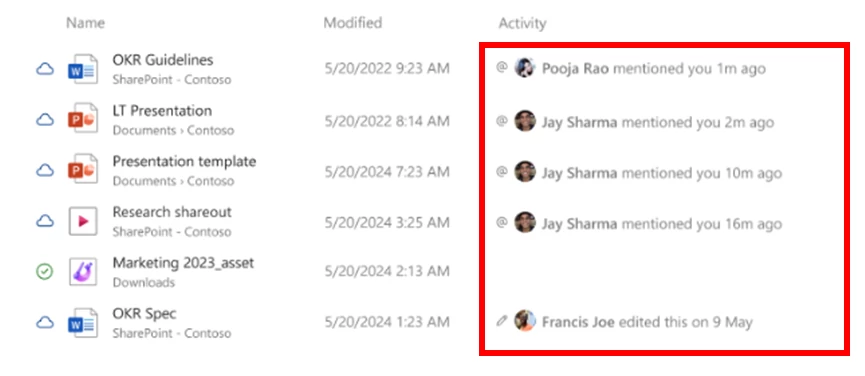
File Explorer improvements: These include a new activity pane for devices with a work or school account and a bunch of new buttons on the Home page for quicker actions.
- Better SCOOBE: The so-called second-chance out-of-the-box experience (SCOOBE) is getting much-needed improvements.
-
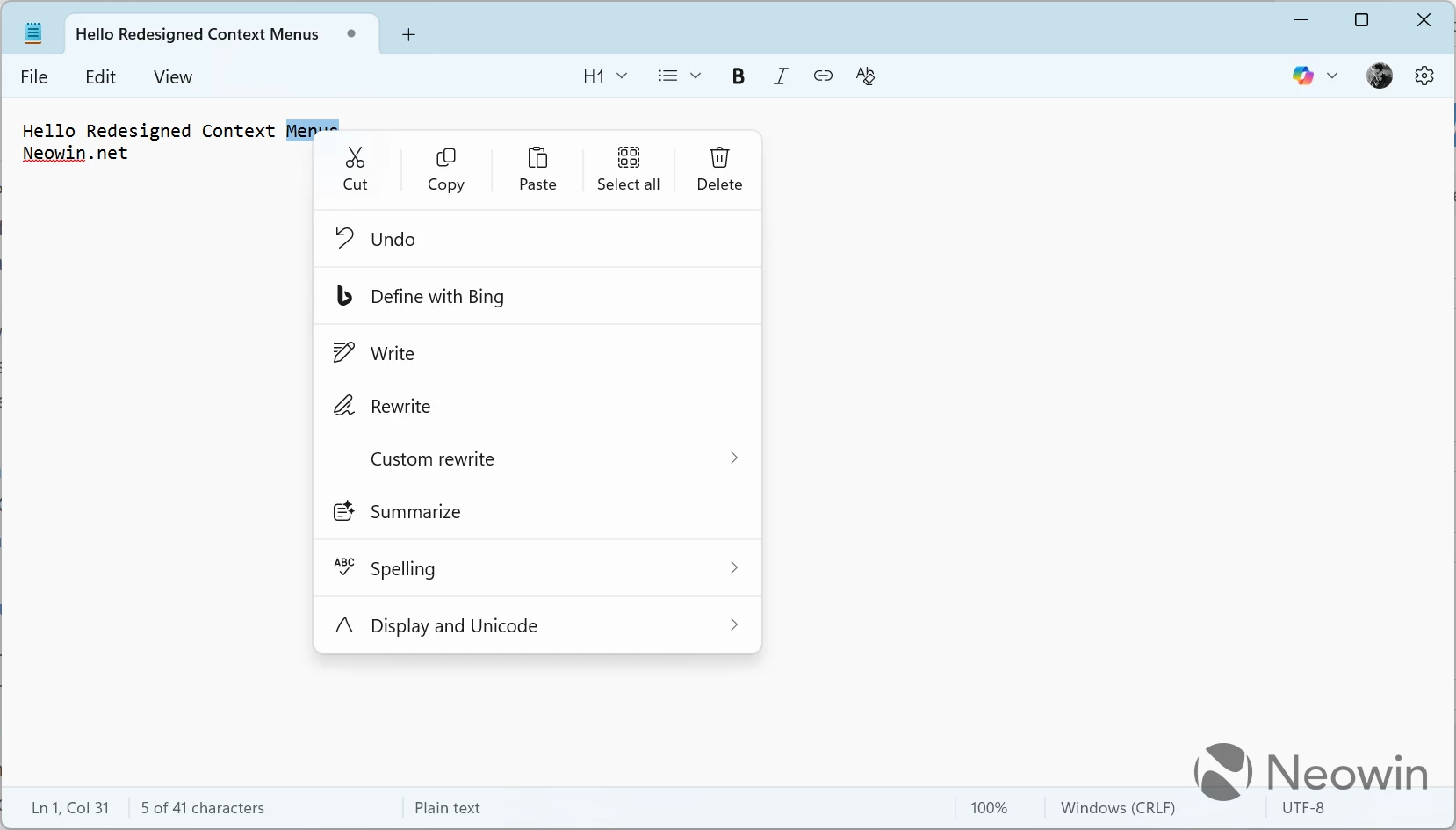
Notepad is getting improved context menus that look similar to Windows 11's stock menus. Windows 11 itself is also getting tidier context menus with better-looking icons.
- Improved dark mode: Microsoft is finally adding dark mode to various UI surfaces, such as multiple file dialogs, progress bars, and more.
- Recall, Click to Do, and other AI features are finally available to Canary users.
- Copilot app: This one has received a new home page with more actions and the ability to find files on your system using natural language.
- New keyboard shortcuts, better cross-device experiences, improved Settings app, and more.
Removed features:
- Windows 11 SE is dead: Microsoft's low-end Windows 11 edition for low-cost PCs is going six feet under. Microsoft confirmed that version 24H2 is the final update for Windows 11 SE, and it will be out of support in just one year.
- Windows 11 version 23H2 support is ending soon. Microsoft issued a warning that you should consider upgrading to a newer version to keep getting updates.
- Microsoft is removing PowerShell 2.0 from Windows 11 version 24H2 and newer. If you have scripts that rely on PowerShell 2.0, check out Microsoft's official guidance.
- No more manual app updates: Microsoft removed the ability to disable automatic app updates in the Microsoft Store. From now on, you can only pause them for a few weeks.
Other developments:
- Windows 11 version 25H2 is now available in the Release Preview Channel.
- Microsoft is open-sourcing Windows 11's UI framework, and it has already shared details about the first phase of this complex process.
-
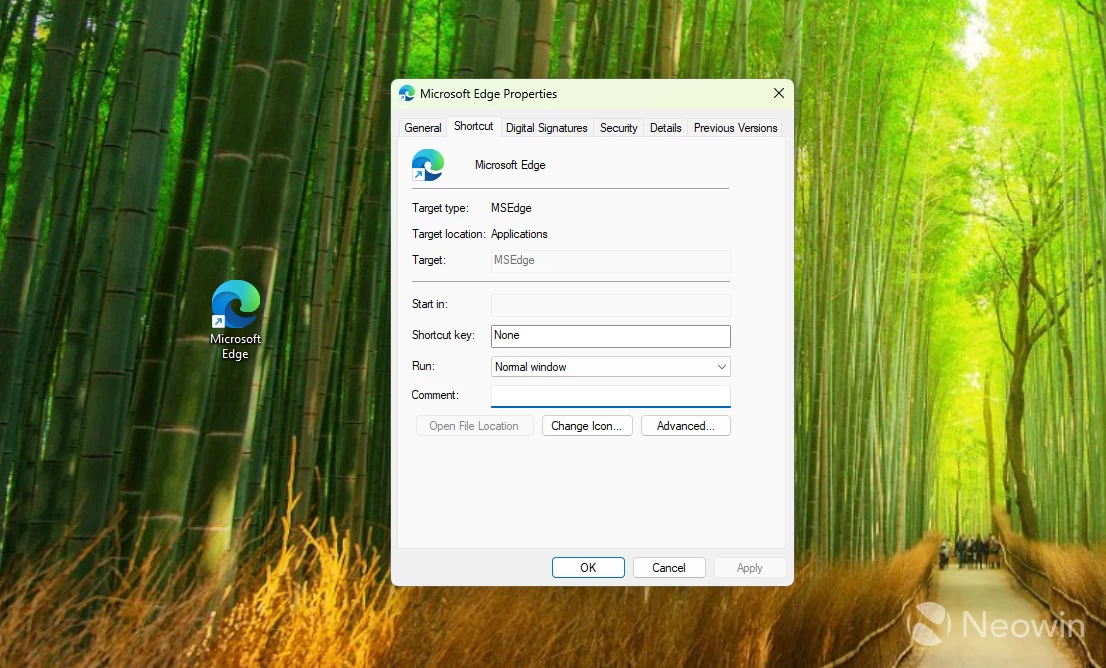
Microsoft is changing how desktop shortcuts work in the upcoming Windows 11 version 25H2.
- Microsoft launched a new Windows 365 Reserve service, which gives companies backup PCs in the cloud when their local devices go down.
- A senior Microsoft official revealed details about what could be the next Windows version. Windows 12 with tons of AI confirmed?
- Windows 11 is now automatically installing quality updates during the initial setup (OOBE) for certain users.
- Microsoft promises to improve Bluetooth audio in Windows 11 and force manufacturers to use proper notifications for USB-C.
Bugs:
- SSD-breaking bugs in August 2025 updates: A new report emerged about the latest security updates for Windows 11 breaking users' SSDs. However, Microsoft and other companies deny the report and claim that the August 2025 Patch Tuesday update has nothing to do with it.
- Microsoft finally fixed that annoying Event Viewer bug it told you to ignore.
Optional Updates:
Finally, Windows 10 and 11 have a bunch of optional updates that you can install. Windows 11 version 23H2 has KB5064080 with the Windows Backup for Organizations app and various fixes. Windows 11 version 24H2 received KB5064081 with redesigned Windows Hello, improved Task Manager, and more. Finally, Windows 10 has KB5063842, one of its final non-security updates.
Hope you enjoyed this news post. Feedback welcome.
Posted Monday 1 September 2025 at 12:45 pm AEST (my time).
News posts... 2023: 5,800+ | 2024: 5,700+ | 2025 (till end of August): 4,048
Recommended Comments
There are no comments to display.
Join the conversation
You can post now and register later. If you have an account, sign in now to post with your account.
Note: Your post will require moderator approval before it will be visible.