

3175x175(CURRENT).thumb.jpg.b05acc060982b36f5891ba728e6d953c.jpg)
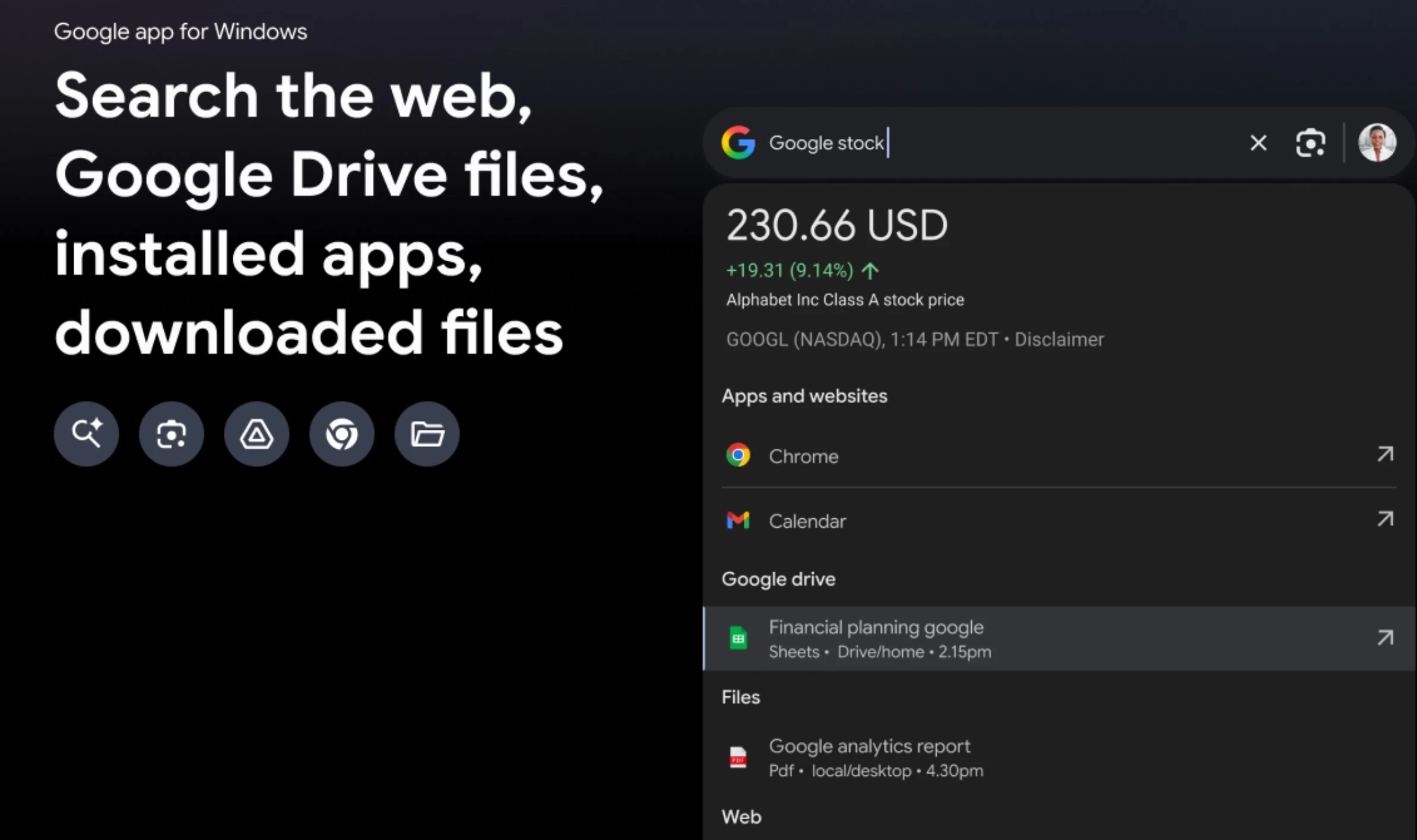
Today, Google announced a new Google app for Windows in Search Labs. This new app will allow users to find information from the web, Google Drive files, installed apps, and files saved on their Windows PC.
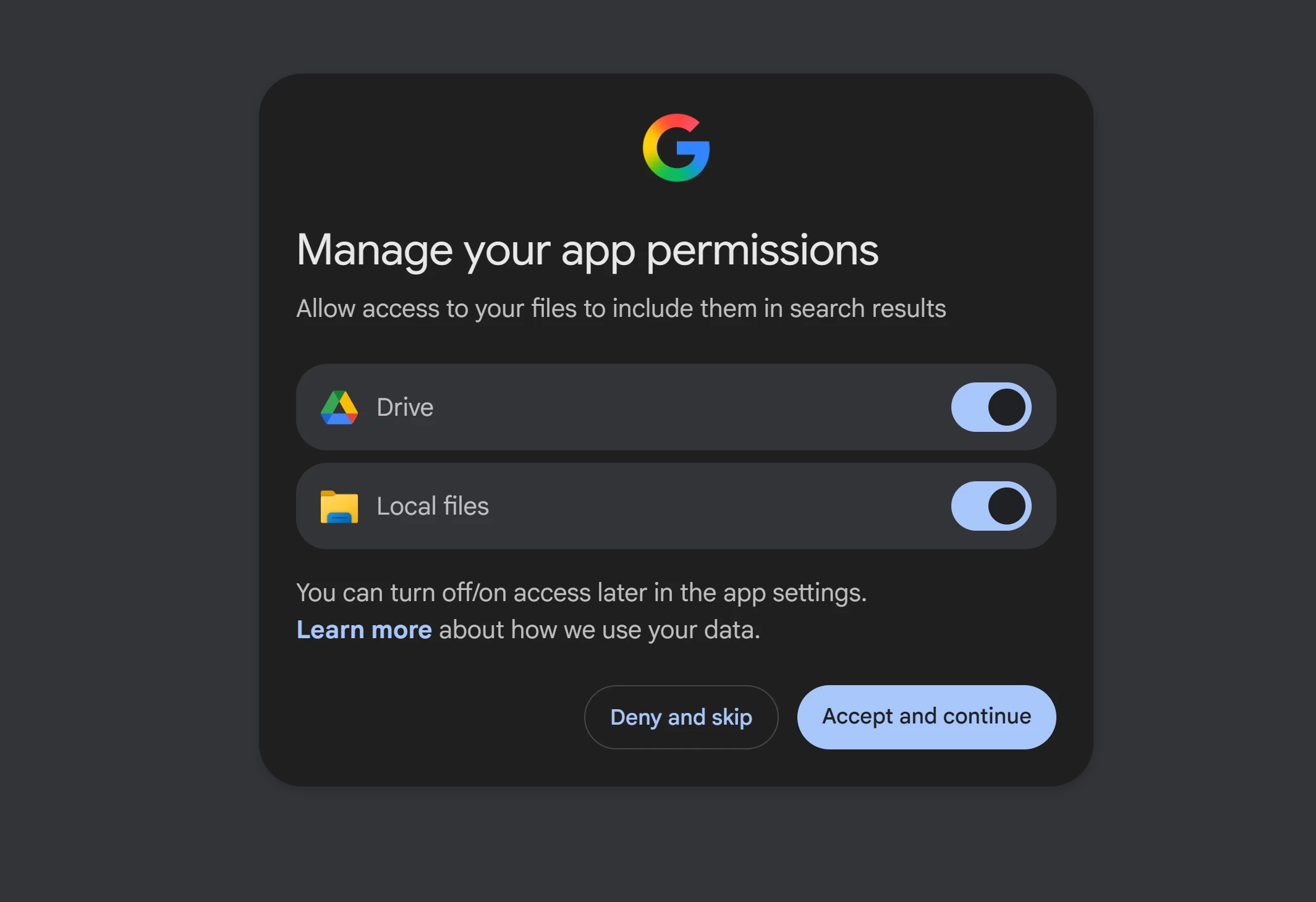
This new official Google app can be launched with a simple keyboard shortcut, Alt + Space. After installation, during the first run, users have to sign in using their Google account. After a successful sign-in and consent, users will be presented with the screen below, where they can allow the Google app to access their Google Drive and local PC files.
The Google app also comes with the popular Google Lens feature. Using Google Lens, users can just select and search anything they see on their PC screen. This feature will make it easy for users to translate content in other languages that has appeared on the screen. They can also use Google's AI Mode to solve homework problems. Users can also enter follow-up questions in AI Mode to get the expected answers.
Vinay Mahagaokar, Group Product Manager, Google Search Team, wrote the following regarding this new app:
"Now you can search without switching windows or interrupting your flow. Whether you're writing in a doc or in the middle of a game, just press Alt + Space to instantly search for information from your computer files, installed apps, Google Drive files — and of course, the web."
This new Google app is still in the experimental phase and has some known limitations. More importantly, this app is currently only available in English to users in the US. Other eligibility requirements for this app:
- Users 13 or older.
- On a Windows 10+ desktop device.
- Have a personal Google Account that you manage on your own. For now, Search Labs and its experiments are not available to Google Workspace accounts, including Google Workspace for Education accounts.
Interested users can join this experiment on Google Search Labs here.
Hope you enjoyed this news post. Feedback welcome.
Posted Wednesday 17 September 2025 at 4:47 am AEST (my time).
News posts... 2023: 5,800+ | 2024: 5,700+ | 2025 (till end of August): 4,048
Recommended Comments
There are no comments to display.
Join the conversation
You can post now and register later. If you have an account, sign in now to post with your account.
Note: Your post will require moderator approval before it will be visible.