


3175x175(CURRENT).thumb.jpg.b05acc060982b36f5891ba728e6d953c.jpg)
Google Chrome dominates the web browser market, especially on the desktop. This has been the case for a while, with competitors being too far in terms of market share to offer any "real" competition. This is despite concerns around Chrome's privacy measures and tactics employed by other vendors to get Chrome users to jump ship. Now, it looks like Google wants to widen the gap with its competitors even further, as it has announced a bunch of productivity features for Chrome.
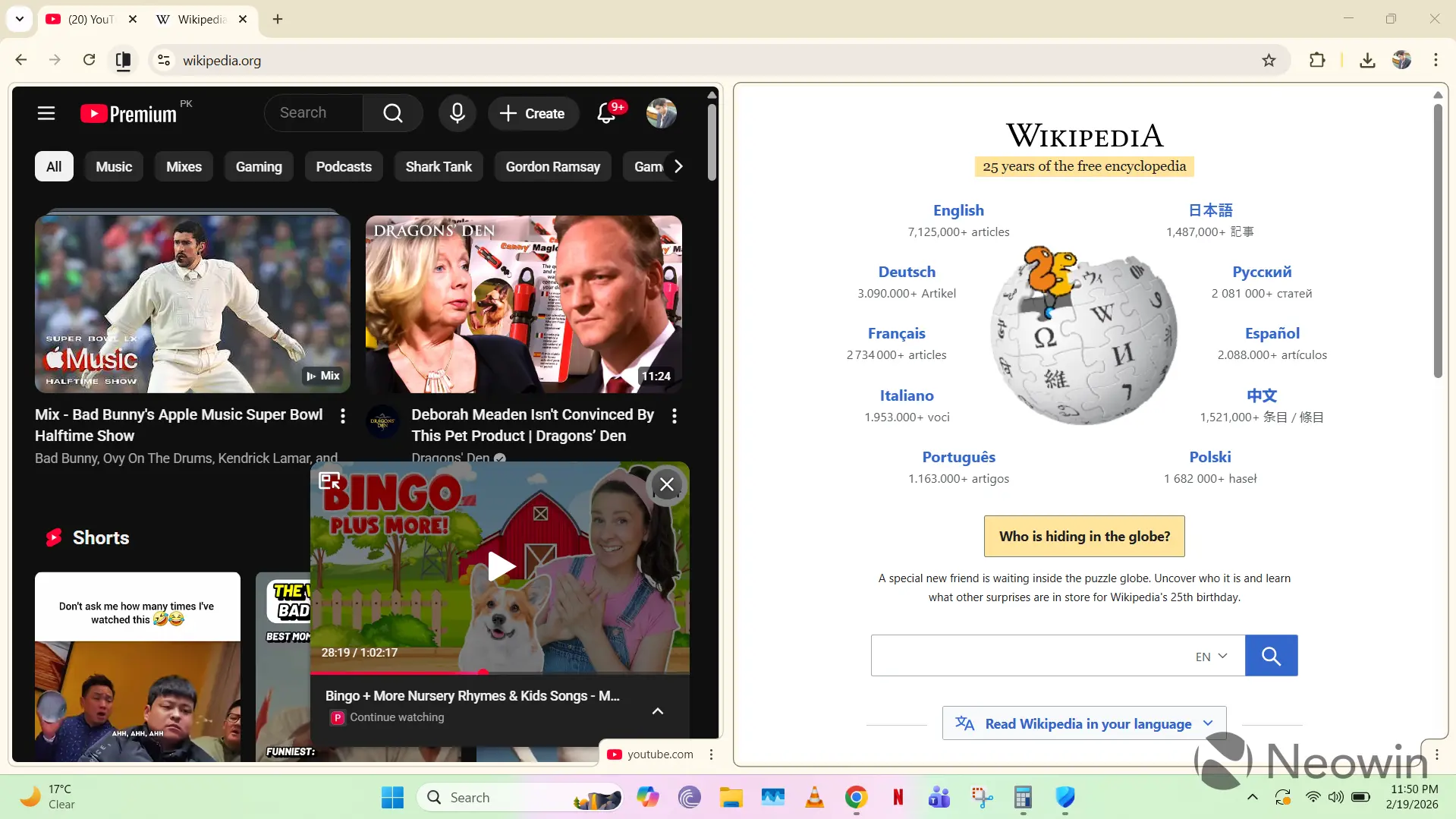
First off, we have Split view, which does exactly what it says on the tin. Rather than maintaining and jumping through different tabs or windows, Split view allows you to view two tabs simultaneously. This reduces the need to switch contexts constantly and increases productivity, especially if you open two related tabs side-by-side. An obvious use-case for this involves students who have a lecture open on YouTube in one tab and Google Docs for note-taking in the other.
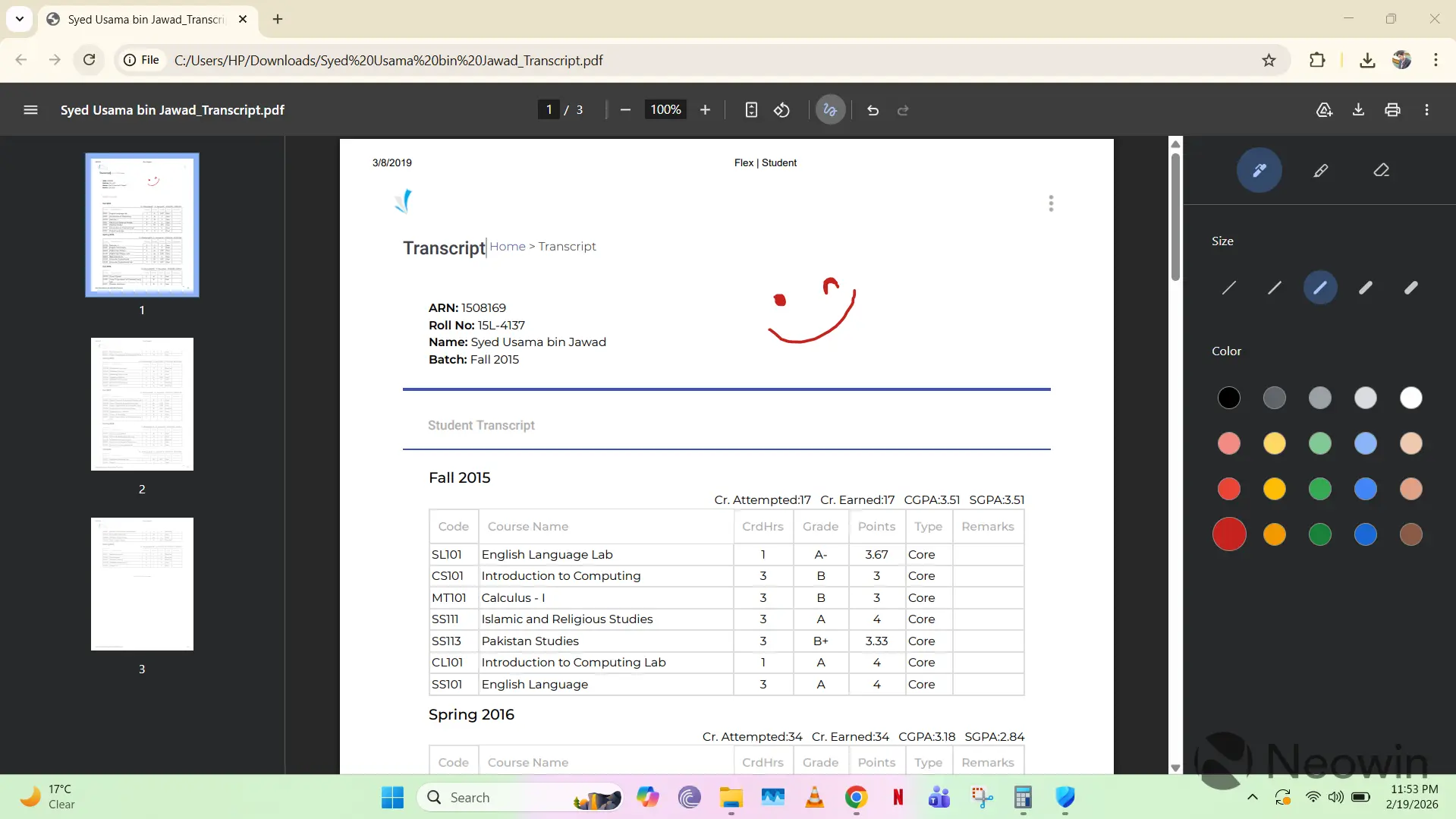
Next, Chrome finally supports annotations in the built-in PDF viewer. You can choose between different types of pens and colors as you annotate a document, without needing to download a dedicated application.
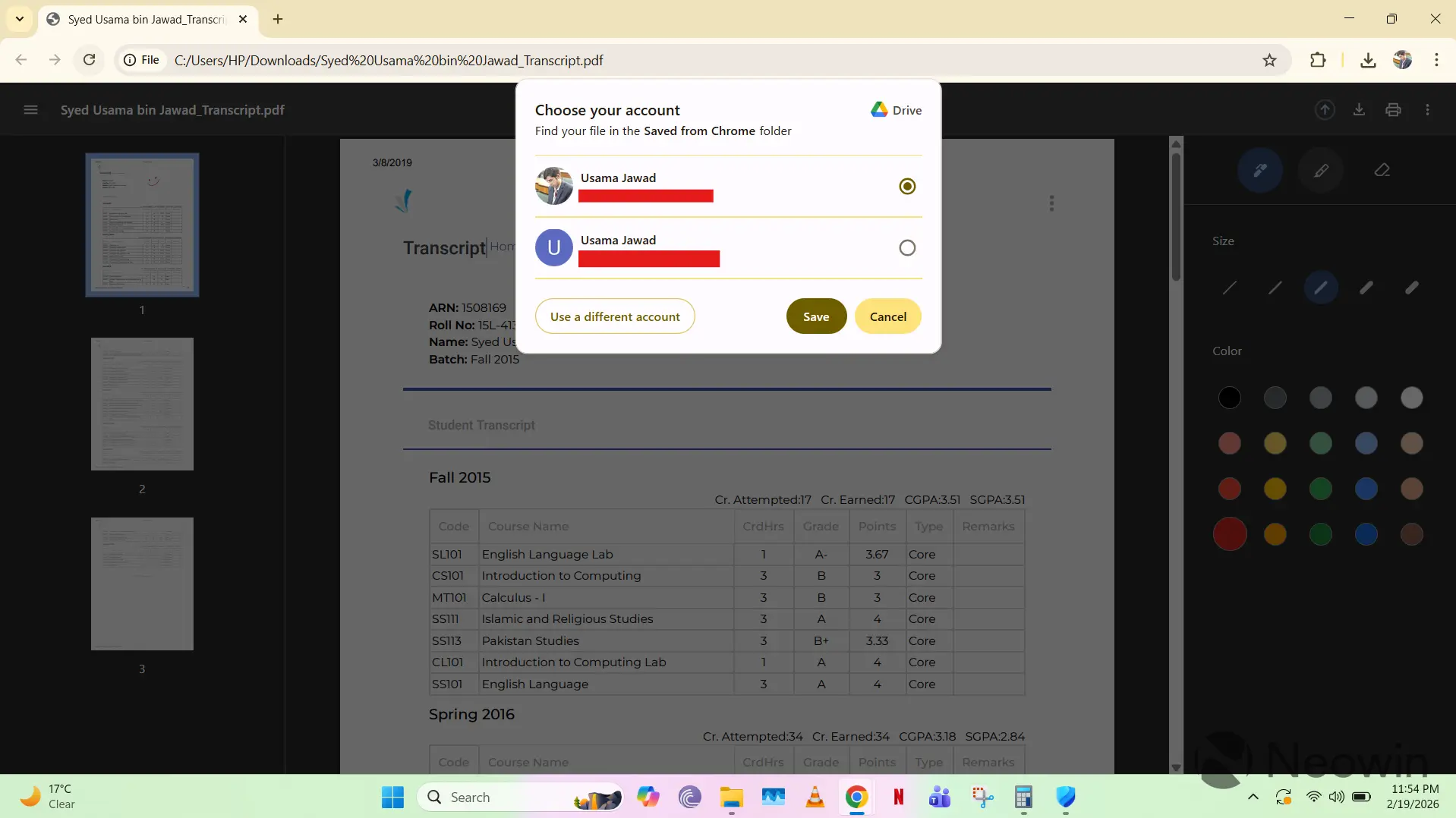
Finally, Chrome is offering a new option for PDFs downloaded on your device. You can simply use the "Save to Google Drive" option in the controls at the top of the PDF to upload the document directly to the "Saved from Chrome" directory in your Google Drive. This ensures that the document is backed up and can be accessed from other devices too, without requiring too many manual steps.
Google has emphasized that all three of these features are not only meant to enterprise and education customers, but also for everyday users who can now perform associated tasks in a more productive fashion. Although the company hasn't detailed which version of Chrome contains these capabilities, it highlighted them as being announced today. We have them in the latest Chrome version 145.0.7632.110 on our Windows PC.
Hope you enjoyed this news post. Feedback welcome.
Posted Friday 20 February 2026 at 12:11 pm AEST (my time).
News posts: 2023 5,800+ | 2024 5,700+ | 2025 5,700+ | 2026 (to end of January) 461


Recommended Comments
There are no comments to display.
Join the conversation
You can post now and register later. If you have an account, sign in now to post with your account.
Note: Your post will require moderator approval before it will be visible.