


3175x175(CURRENT).thumb.jpg.b05acc060982b36f5891ba728e6d953c.jpg)
The Microsoft Store for Windows was initially launched over 13 years ago, when Microsoft launched the infamous Windows 8 with its controversial full-screen Start menu, the new Settings app, and more. Over the years, the Microsoft Store has grown into a much more mature storefront that is open to virtually anything and has a lot of useful features. Still, some important things are missing.
From a user who hates downloading exe files and loves to install apps from a single, convenient place, here are five things I want Microsoft to improve in the Microsoft Store for Windows 10 and 11.
1. Shopping Cart.
This one is very simple. Just let us buy a few things at once, Microsoft, with no need to go through the checkout process for every app or game I want to buy. This is particularly relevant for sales or for Game Pass subscribers who may want to buy several games, say, when they are about to leave the subscription. Steam is the best example of having a shopping cart, and there is no reason not to add one to the Microsoft Store.
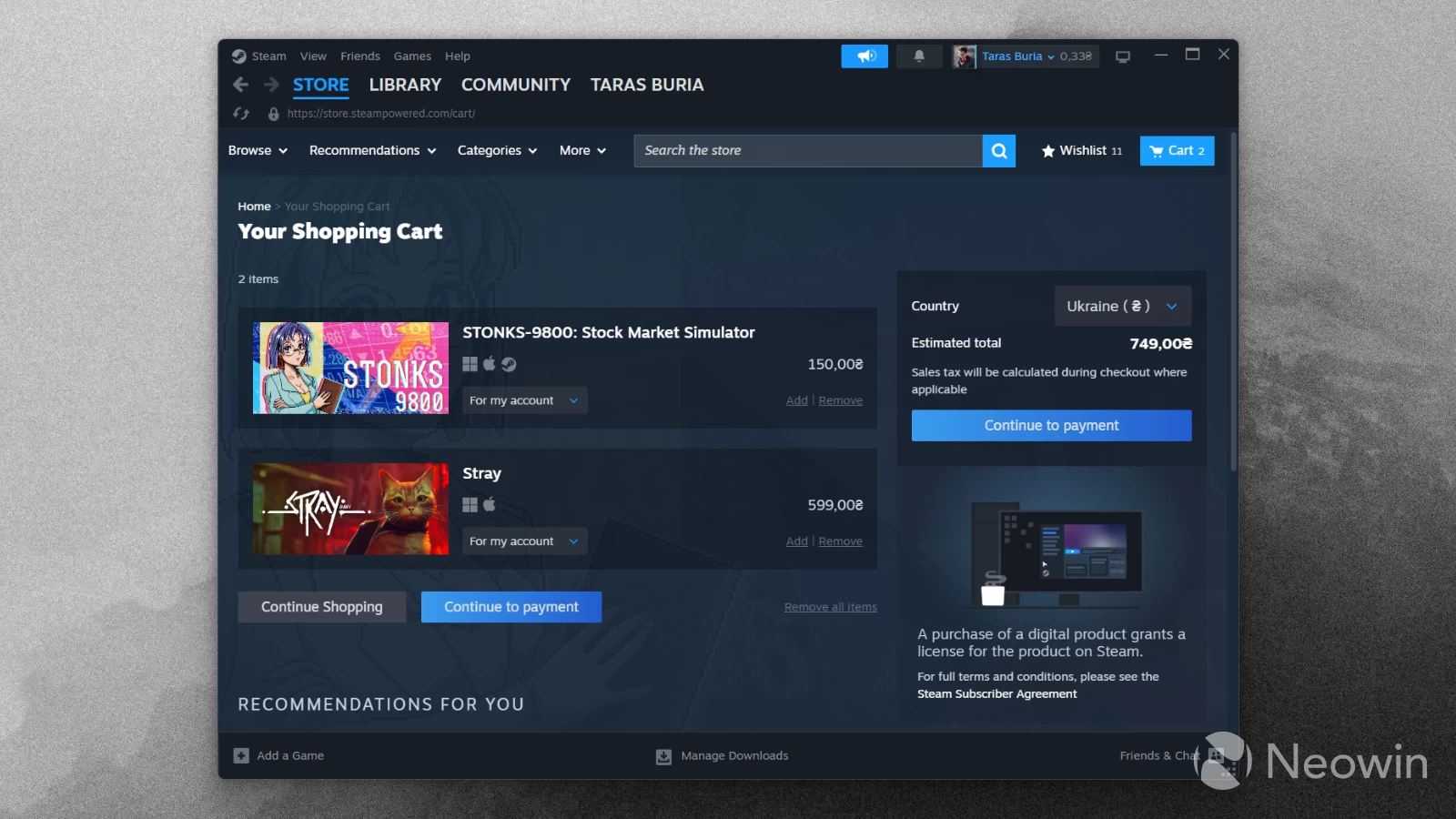
You may say, but who actually buys something in the Microsoft Store? Let me tell you that there are quite a few very cool apps worth buying, plus you can purchase games with discounts if you are a Game Pass subscriber. And maybe, just maybe, more people will consider shopping in the Microsoft Store if Microsoft gives it a bit more love and attention to detail, not just semi-useful stuff like the AI Hub or a section for glorified wallpaper packs.
2. Wishlists.
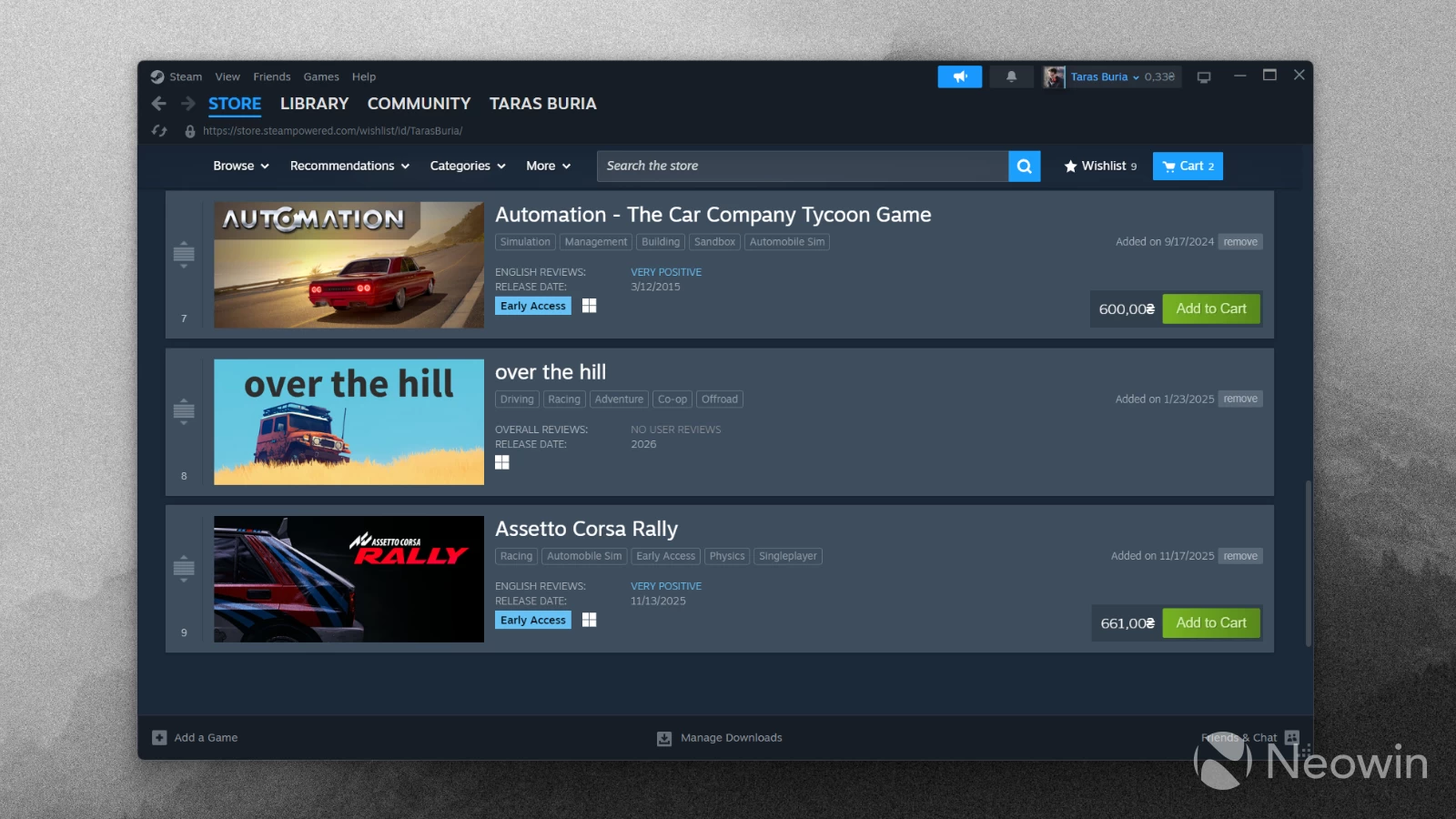
The Microsoft Store has quite a lot of high-profile, expensive apps and games, and wishlists are a great tool for monitoring prices or tracking the stuff you want to buy somewhere in the future. There is not that much to add to it, and every digital store should have the ability to wishlist stuff.
3. Proper notifications and badges.
I always loved how the Microsoft Store tile in Windows Phone displayed the number of apps that are pending updates. Like, hello, five apps have something new in them, let's check. In Windows 11, though, all we have is a dumb icon without any badges.
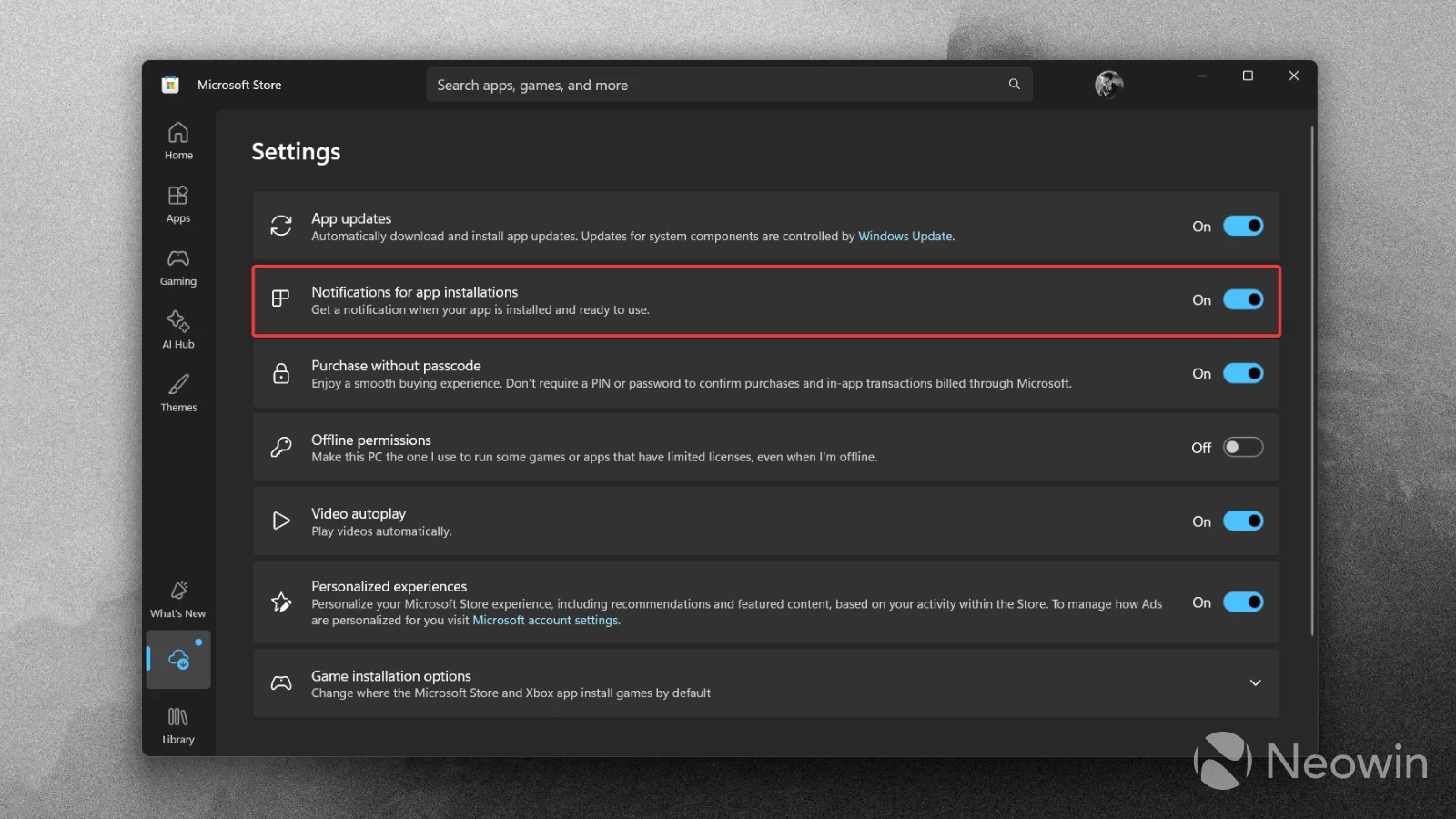
This might be less relevant in the world where Microsoft no longer allows you to disable automatic app updates, but here comes my second wish: proper notifications. For now, all we have are notifications when the store completes installing the app or game. That is handy when you are waiting for, say, a large game to complete its download, but for everything else, not much. Do I really need a notification that a 50MB app just completed installation? Probably not. However, a notification that a bunch of apps were just updated is another story. Technically, we have a small dot that indicates pending updates, but it is only visible in the Microsoft Store app itself.
Also, Microsoft could add notifications about sales, items in your wishlist, and more. Some useful notifications, Microsoft, pretty please.
4. Better in-app purchase disclosures.
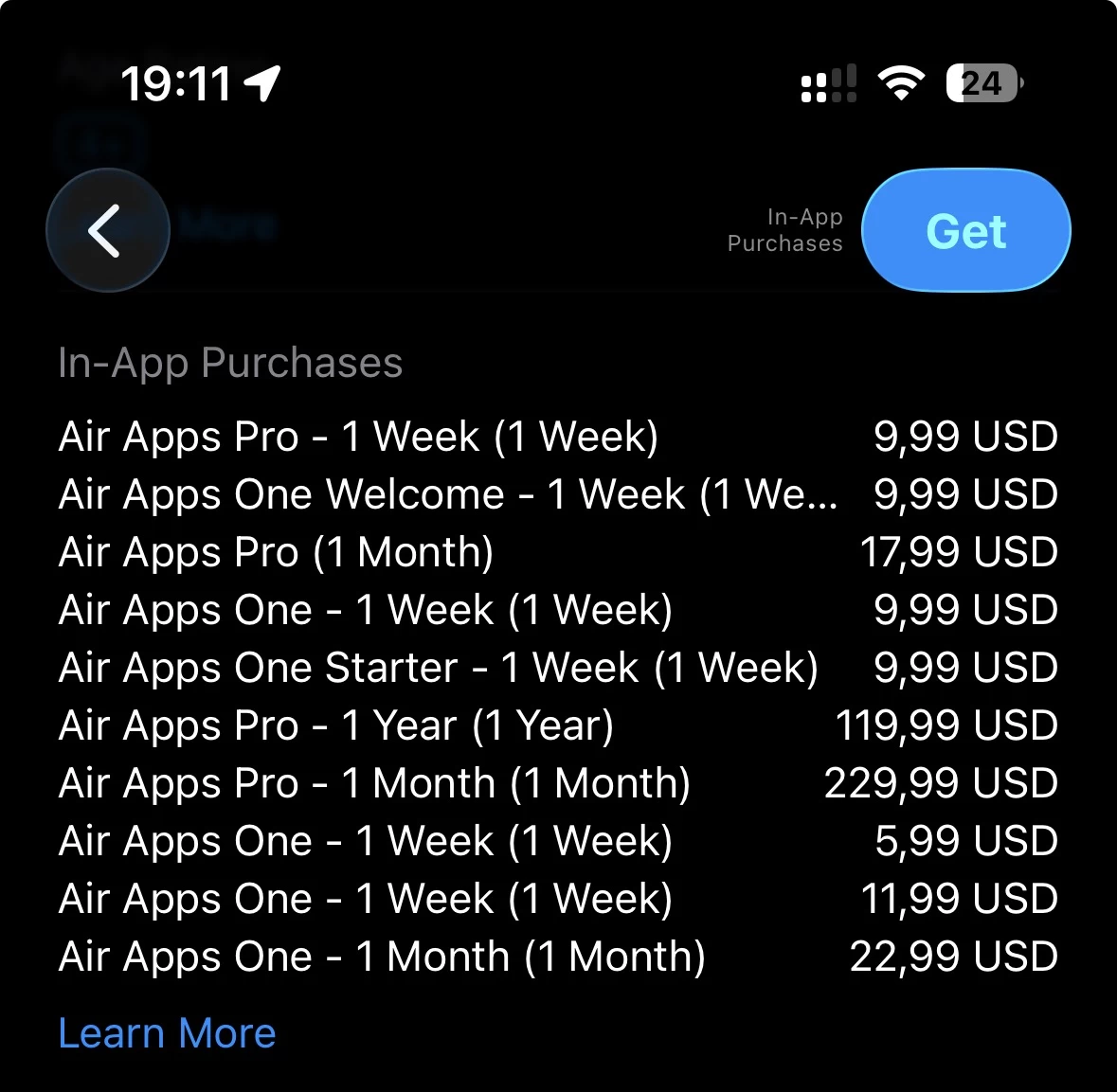
These days, it is very hard to find an app or game without in-app purchases. While there is a badge that indicates in-app purchases, store listings do not provide at least a glimpse of what kind of in-app purchases are available.
Apple, with its App Store, does a better job in this regard, as it shows a list of purchases. This lets you skip right away apps that charge their users with crazy subscriptions, insane money for in-game items, and more. I once encountered a $9.99/week subscription for a calculator. Crazy!
5. Subscription management.
Speaking of subscriptions... It would be nice to have the ability to manage first and third-party subscriptions right in the Microsoft Store without the need to open your browser. For now, the only way to do that is on the account.microsoft.com website, which is fine by itself, but the thing is that the Microsoft Store has no single link to get you there, so inexperienced users are left on their own to figure out how to manage their subscriptions. Certain services have links to subscription management (like Microsoft 365), but they are only available on their dedicated pages, not in the Microsoft Store itself.
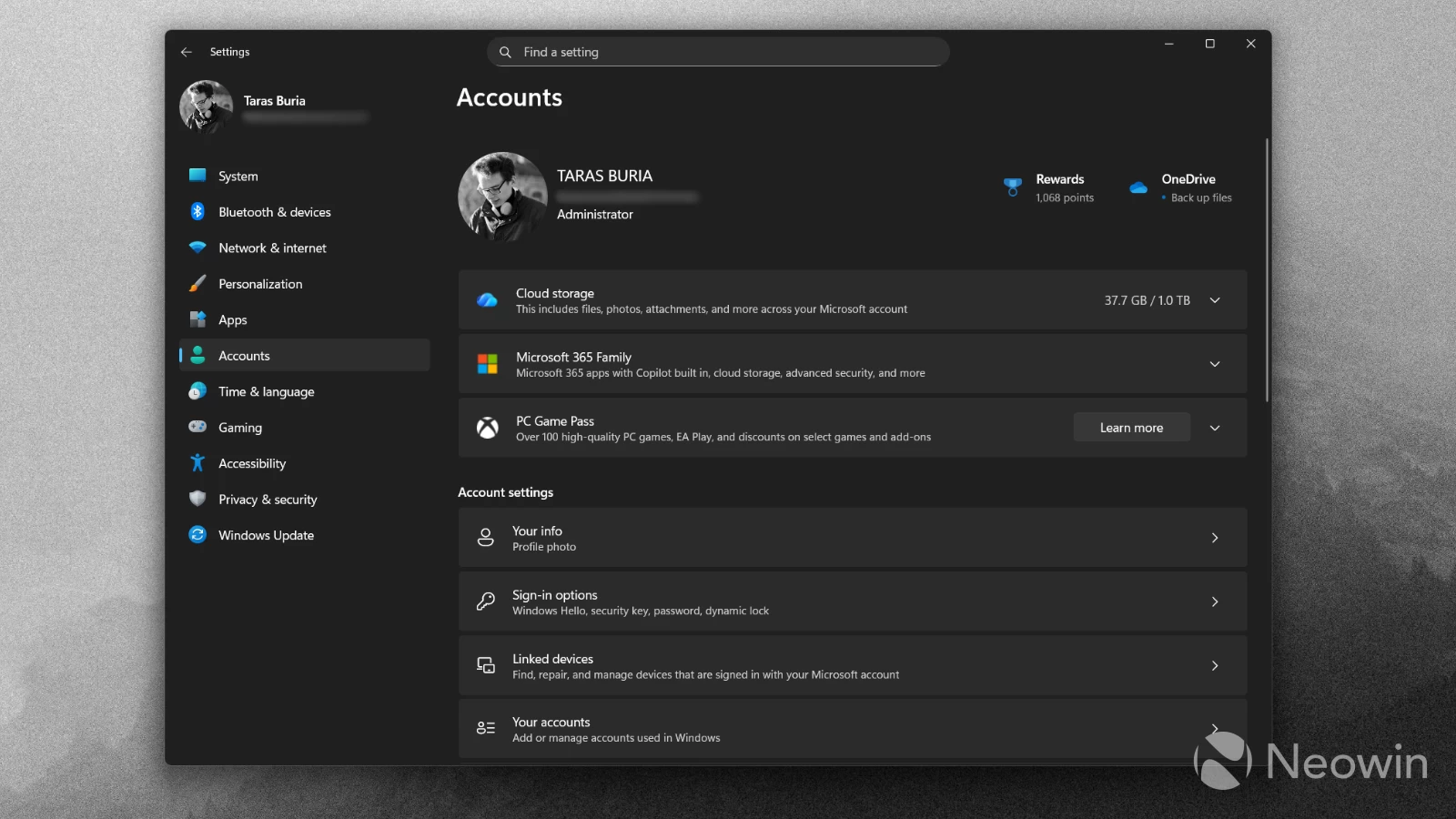
Yes, I know that the Settings app has an overview of your subscriptions with buttons to the subscription management page on account.microsoft.com. But again, they open in a browser, and the Settings app only shows first-party subscriptions like Game Pass, Microsoft 365, etc. There should be a single place with easy-to-understand UI that lets you check available tiers, cancel your subscription, resubscribe, etc.
Is there something else the Microsoft Store needs to become better? Share your thoughts in the comments.
Hope you enjoyed this news post. Feedback welcome.
Posted Monday 15 December 2025 at 3:29 am AEST (my time).
News posts... 2023: 5,800+ | 2024: 5,700+ | 2025 (till end of November): 5,412
Recommended Comments
There are no comments to display.
Join the conversation
You can post now and register later. If you have an account, sign in now to post with your account.
Note: Your post will require moderator approval before it will be visible.