


3175x175(CURRENT).thumb.jpg.b05acc060982b36f5891ba728e6d953c.jpg)
Windows 10 support ended nearly two and a half months ago, and so users are having to upgrade to Windows 11. This is necessary to continue receiving security and quality updates, the latest of which was released earlier today under KB5070311.
When upgrading, one of the most important steps is, of course, backing up the data, and just like on your system, browser data backup is quite crucial too. In this day and age, when much of the world is online, every password and bookmark you save is probably hugely significant.
To help users in this regard, Mozilla is working on a dedicated backup tool for when people upgrade from Windows 10 to Windows 11. While there is no specific name for the feature, it has been referred to simply as "Firefox Backup" on Bugzilla under ID 1995365 (spotted by Windows Report).
Mozilla has also made the interface quite simple so that even non-tech-savvy users should be able to go through with the backup process. First, on a Windows 10 PC, two options are offered: "Sync with Firefox" and "Back up to PC".
After that, the utility offers a simpler "Easy setup" option as well as an "All Data" option, which will include sensitive information, too, like passwords. If the latter is selected, the backed-up data can be encrypted with a password to keep it safer.
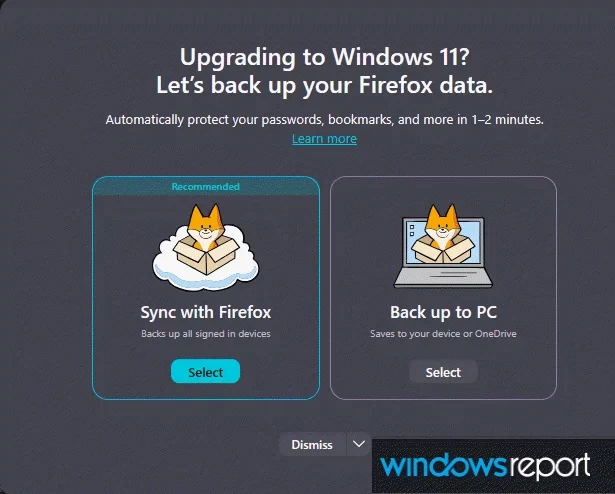
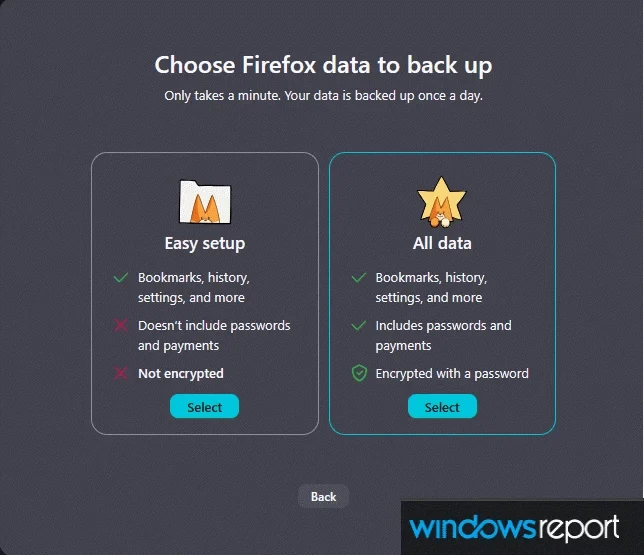
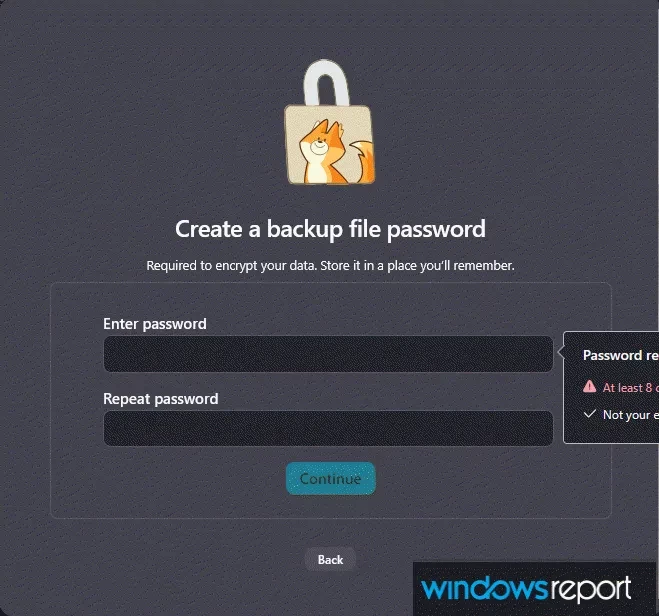
Once you have selected the option for backup and the 'save' location for the backed-up data, the backup process gets 'scheduled' for daily activity. In case the "Easy setup" option was taken, the tool also lets users know that sensitive information like passwords and payment-related details is not included.
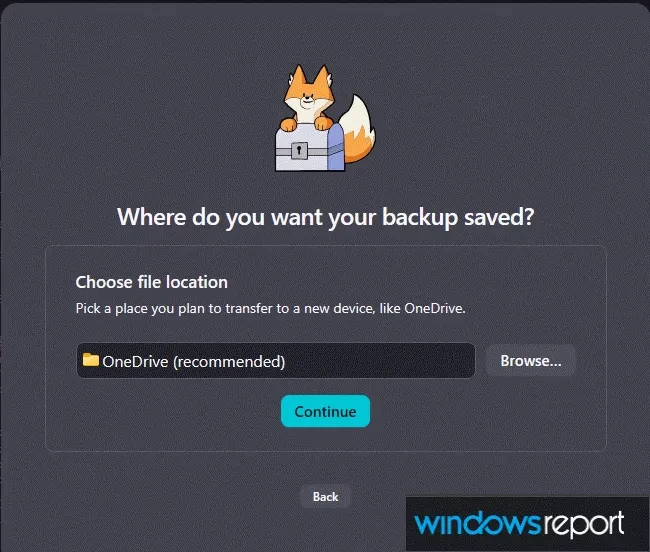
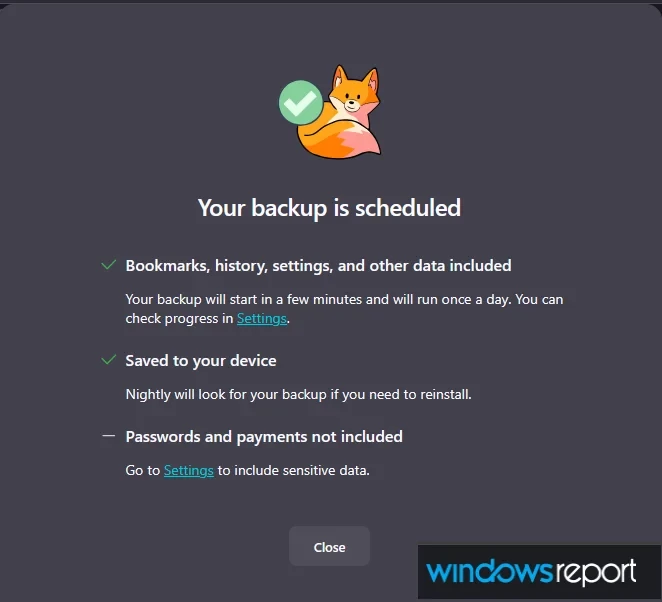
Finally, after the upgrade to Windows 11 is complete, a Firefox pop-up will greet the user once their backup data gets restored.
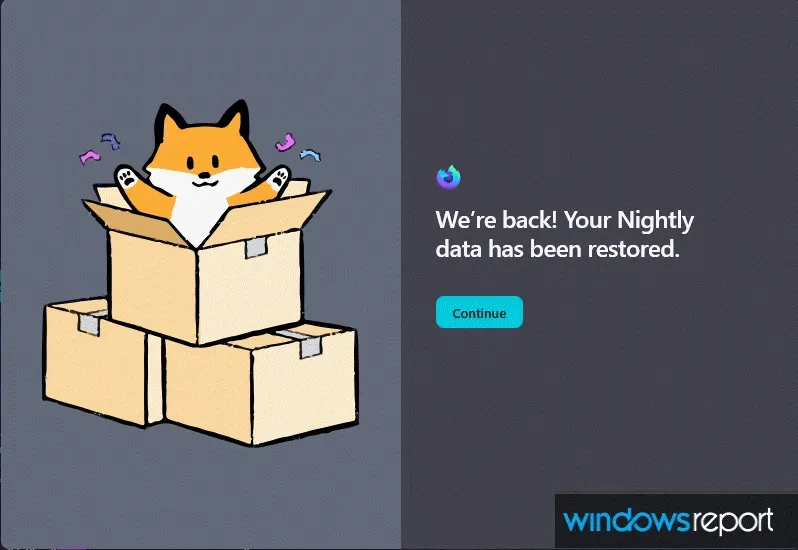
If the "All data" option was selected, which includes sensitive information, the user will have to decrypt the backup files using the password they saved. So, do keep that handy.
What do you think of this new Firefox feature? Is it as helpful as Mozilla wants it to be, or could it have been better? Let us know in the comments below.
Hope you enjoyed this news post. Feedback welcome.
Posted Wednesday 3 December 2025 at 5:01 am AEST (my time).
News posts... 2023: 5,800+ | 2024: 5,700+ | 2025 (till end of November): 5,412
- alf9872000 and scarabou
-
 2
2
Recommended Comments
Join the conversation
You can post now and register later. If you have an account, sign in now to post with your account.
Note: Your post will require moderator approval before it will be visible.