


3175x175(CURRENT).thumb.jpg.b05acc060982b36f5891ba728e6d953c.jpg)
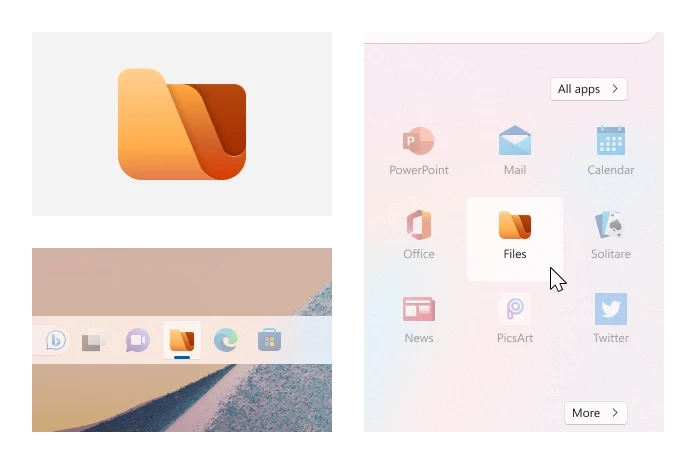
Today is a good day for those using Files, a popular feature-packed file manager for Windows 11 and 10. After spending over seven years in the ovens, developers released version 4.0 with a massive list of new features, optimizations, and bug fixes to improve stability and reduce crashes. And by the way, there is a new icon as well, check it out:
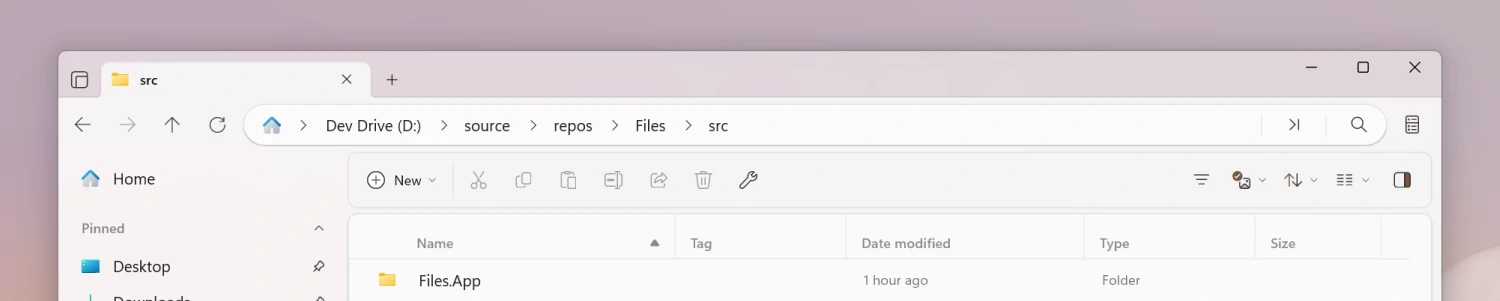
The address bar received a big rework. The Omnibar replaces the previous address bar with a new control that combines the path bar and search box into a single element. Command Palette is also integrated into the new Omnibar.
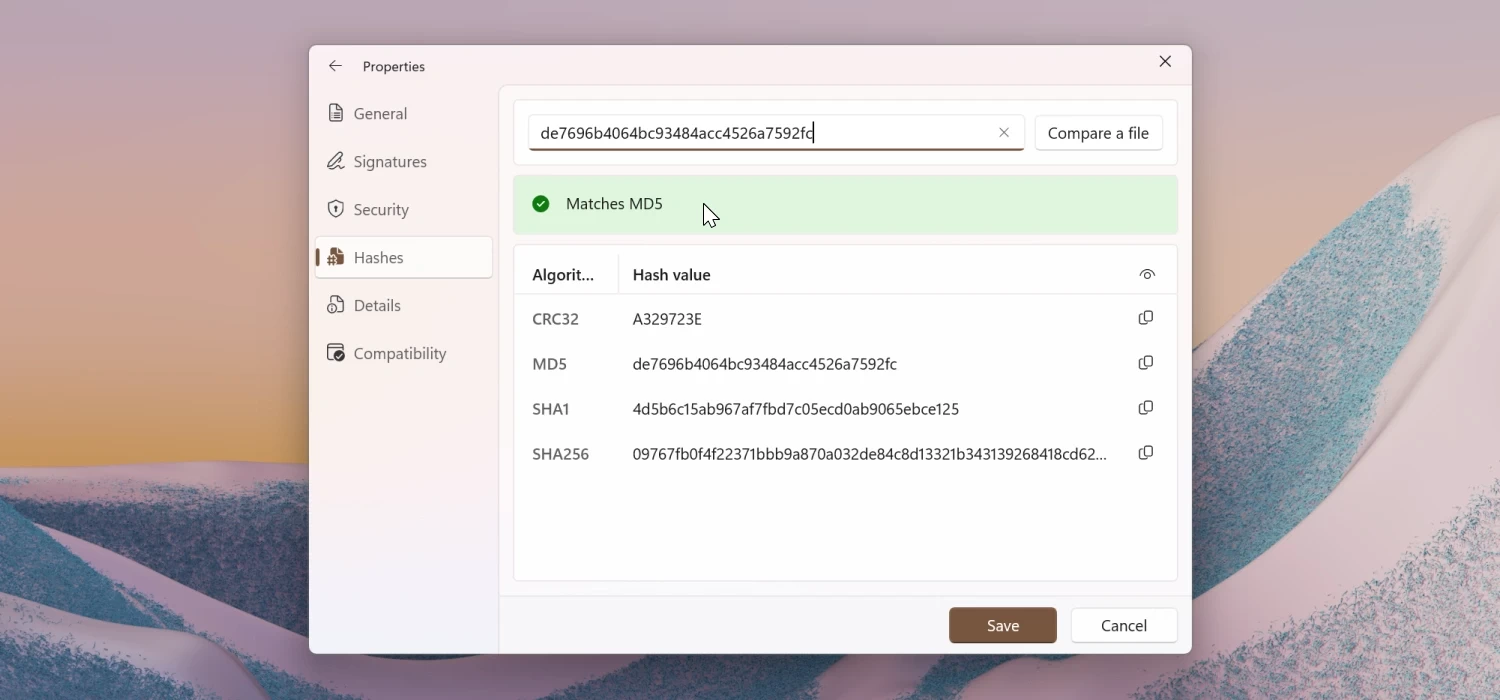
Dual Pane received some improvements, such as a new toggle shortcut (Ctrl + Shift + S), a dedicated settings section, and various UX enhancements. Filtering and search are now two separate features with separate shortcuts (Ctrl + Shift + F and Ctrl + F) and buttons. Also, the Properties window received two new features: you can compare file hashes and check file signatures to verify file authenticity.
Here are some other changes in Files 4.0:
- You can now remap the Open IDE command to any editor under Settings → Developer tools, giving you flexibility to integrate your preferred coding environment.
-
Files now supports MagentaCLOUD, Sync, and OX Drive integration, expanding your options for cloud storage access directly in the app. The full list of available cloud drives can be viewed on our cloud drive documentation.
-
OneDrive storage usage is now displayed in the Properties window on Windows 11.
-
Columns View now automatically adjusts each column’s width to fit its file names. You can also drag the dividers to resize columns or double-click a divider to snap it back to the optimal width.
-
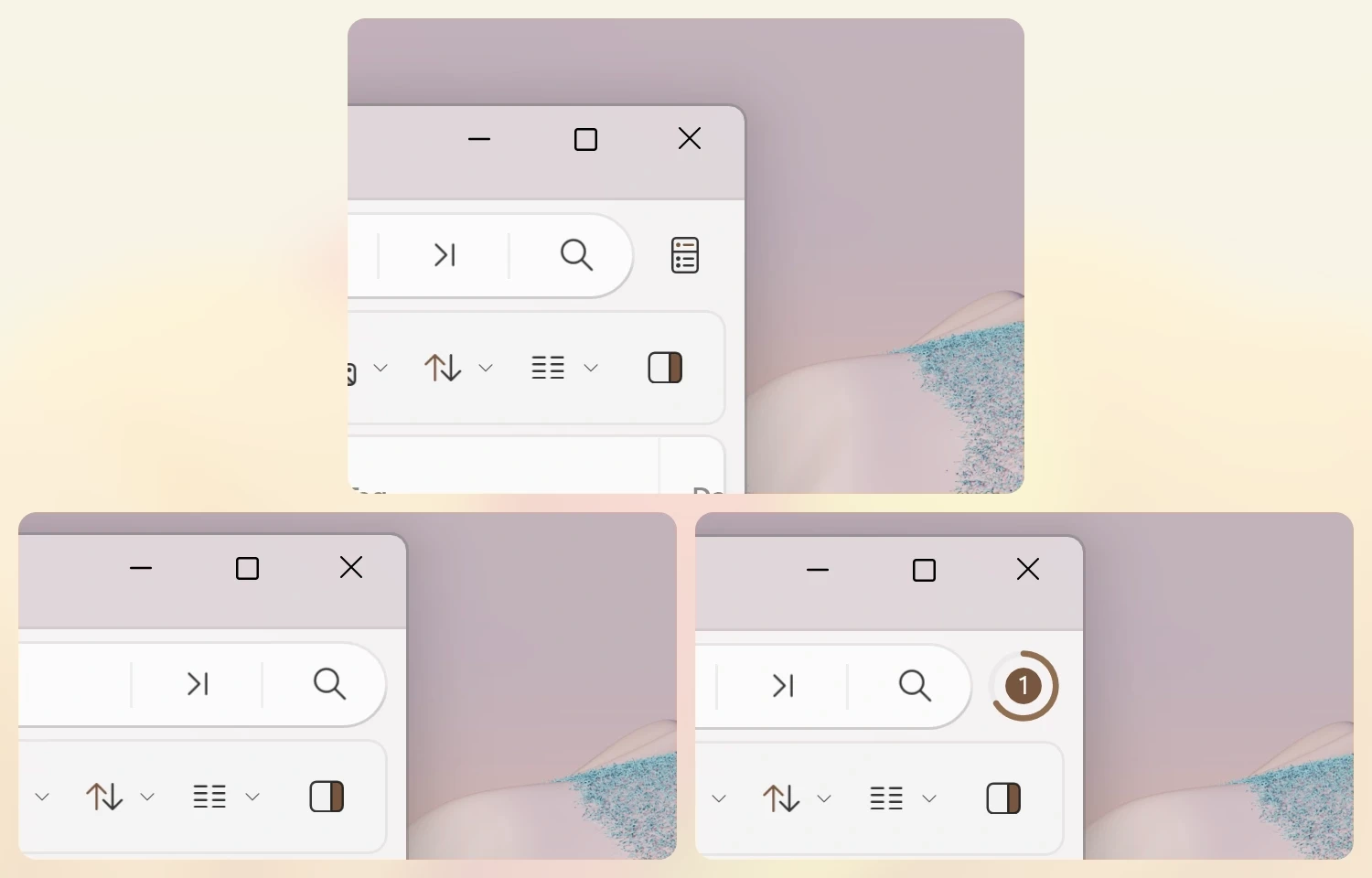
You can now control when the Status Center icon is visible under Settings → Appearance → Toolbars → Status Center. By default, the icon is always visible, but you can configure it to appear only when tasks are in progress.
-
The Actions settings page now adapts to smaller window sizes, and we added a search box so you can quickly filter commands.
-
You can now choose whether file size units are shown in binary units (MiB) or decimal units (MB). This setting can be adjusted from Settings → Files & folders → Size format.
You can find the complete list of changes, fixes, and improvements by updating Files to the latest version and then clicking the update icon on the toolbar or visiting the official website. Files is available in the Microsoft Store and on the app's official website.
Hope you enjoyed this news post. Feedback welcome.
Posted Wednesday 3 September 2025 at 4:01 am AEST (my time).
News posts... 2023: 5,800+ | 2024: 5,700+ | 2025 (till end of August): 4,048
- bigcid10
-
 1
1
Recommended Comments
There are no comments to display.
Join the conversation
You can post now and register later. If you have an account, sign in now to post with your account.
Note: Your post will require moderator approval before it will be visible.