

3175x175(CURRENT).thumb.jpg.b05acc060982b36f5891ba728e6d953c.jpg)
Does the simple text reader really need to change over to Copilot?
The Immersive Reader tool was introduced in 2020 when Microsoft made the switch to the new Chromium-based Edge web browser that we're still using today. Since then, it has largely remained the same, delivering a focused view akin to an ebook that's easier on the eyes.
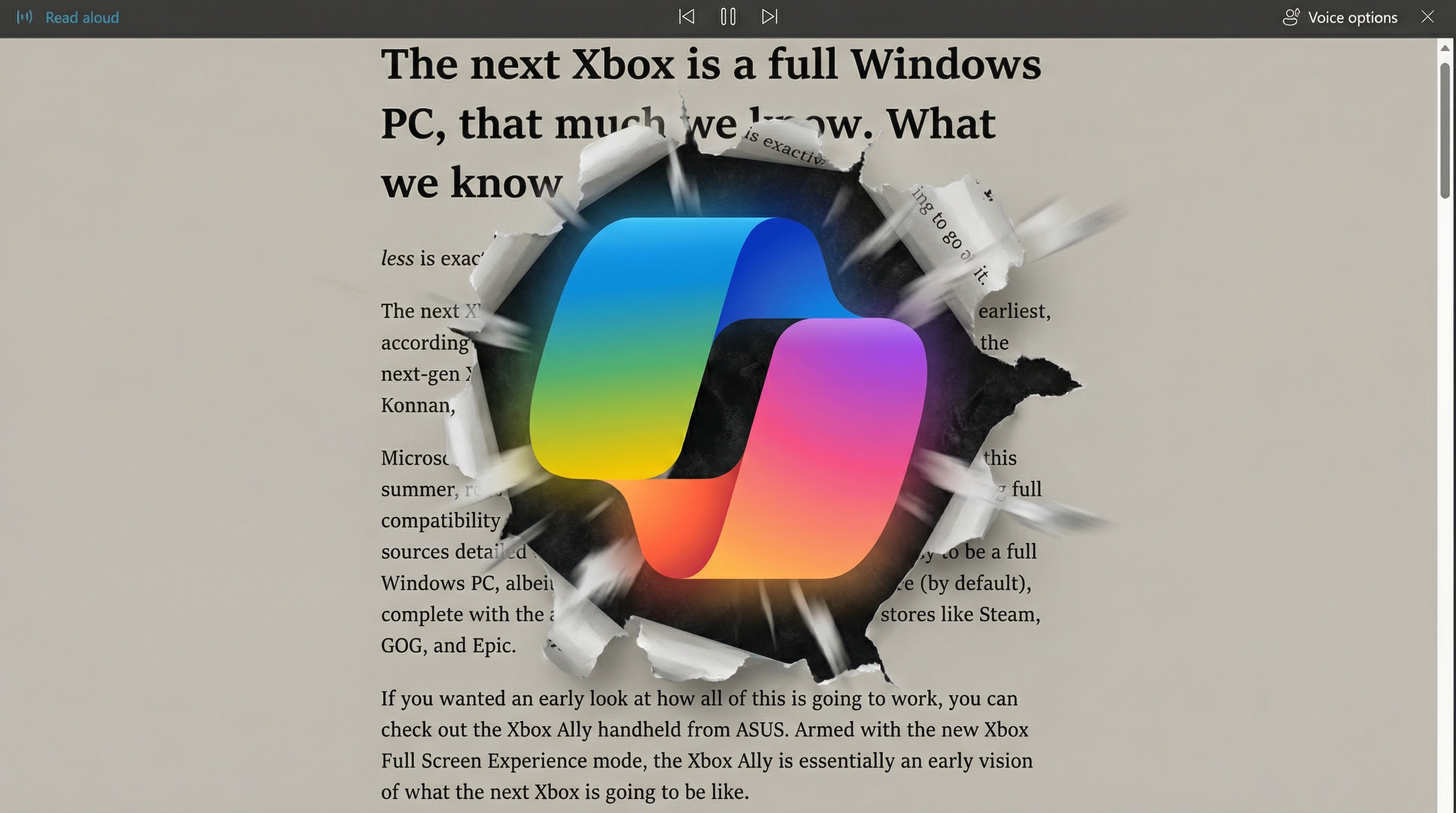
Immersive Reader includes a Read Aloud function, which does exactly what its name suggests. As it stands now, you click the "Read aloud" button and a customizable voice begins reading what's on the page. It's an function that many can't live without, and I use it often when I want to "read" an article while my eyes are busy with something else.
You can already use Copilot Vision on webpages within Edge via the Copilot sidebar. Testing it out this morning, it's largely a lesson in frustration. Attempting to get Copilot Vision to read an article word-for-word is seemingly impossible; it'd much rather give you a synopsis.
Employing Copilot Vision manually on an article loaded into the Immersive Reader feature in my public Edge release results in an error. Copilot says the page isn't supported or can't read it due to security issues.
Proper Copilot Vision integration that actually works with the renamed Reader Mode is assumedly on the way if these changes have been made in the Canary build, but you never know these days.

Copilot Vision doesn't have the security clearance to read content in the current Immersive Reader tool on Edge.
(Image credit: Future)
Whereas most of the Copilot- and AI-focused changes to Edge haven't really annoyed me too much, this one just seems unnecessary. I had no issues with the Read Aloud tool that's still available in public Edge releases, and the fact that I may now have to launch Copilot to use it is certainly irksome.
This week, I wrote about how Mozilla is adding a one-stop AI kill switch to its Firefox browser in the next update, and how I yearn for something similar in Edge. You can absolutely disable most AI features in Edge, but they're spread out over several Settings locations that aren't always easy to find.
Are you a fan of this experimental change to Edge Canary? Hope it will arrive in public channels? Why or why not? Let me know in the comments section!
Hope you enjoyed this news post. Feedback welcome.
Posted Thursday 5 February 2026 at 4:51 am AEST (my time).
News posts: 2023 5,800+ | 2024 5,700+ | 2025 5,700+ | 2026 (to end of January) 461
Recommended Comments
There are no comments to display.
Join the conversation
You can post now and register later. If you have an account, sign in now to post with your account.
Note: Your post will require moderator approval before it will be visible.