Apple’s surprise macOS lighting trick inspired a Windows app that could change video calls.
Windows 11 has a new app that replicates one of the most clever macOS features Apple has introduced in a while. "Edge Light" is a new feature in testing on macOS that adds a ring light effect to your screen, brightening video calls and making your face clearer. Despite Apple's Edge Light only being in beta testing through iOS 26.2, a developer has already made a similar app for Windows.
Scott Hanselman, Microsoft's Vice President of Developer Community, shared the first release of "Windows Edge Light" on GitHub recently.
The app adds a white ring around the edge of your display, similar to Apple's offering. It also supports click-through transparency so you can interact with what's on your screen even when Windows Edge Light is running.
I installed the app first thing this morning after reading about it over the weekend. Windows Edge Light works as intended, though its effectiveness depends on your monitor and the ambient light in the room. A dull IPS panel will not light up your face as much as a brighter screen.
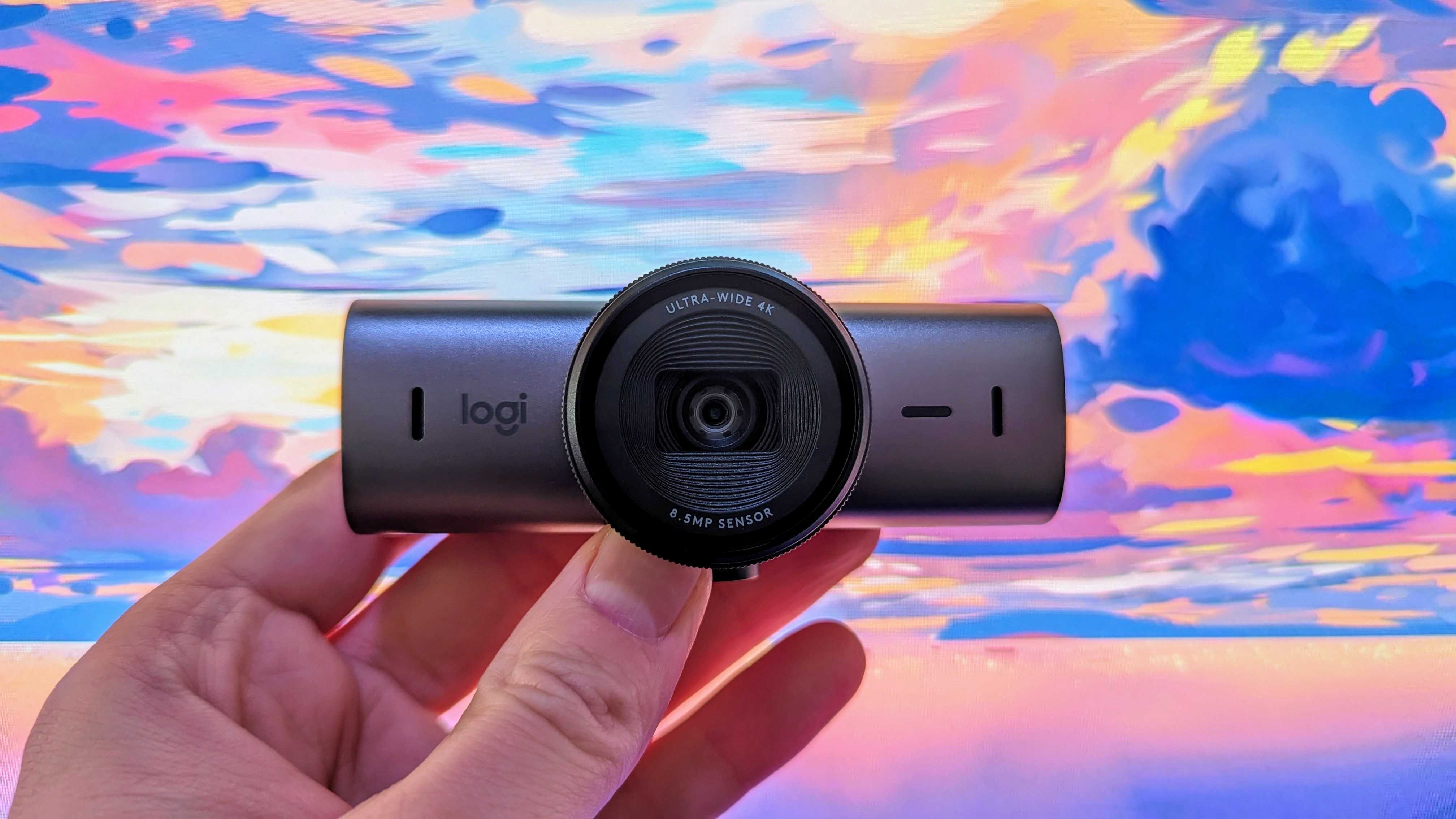
The best webcams do better in low-light environments, but ensuring adequite light to your setup is always a good idea.
Every once in a while, a feature ships that makes you ask how it took so long for someone to think of it. Apple's Edge Light falls into that category. Many on Reddit, X, and other platforms have echoed that sentiment and commended Apple for the clever tool.
The idea is straightforward. Adding lights is one of the quickest ways to improve picture quality on a webcam. People are often looking at a screen when video calling, so why not use the screen they're looking at to illuminate their face?
Of course, there's some secret sauce going on that makes Edge Light more than a white bar around your screen. According to 9to5Mac, Edge Light can detect your face and adjust lighting accordingly. The app also takes advantage of a system's Image Signal Processor to adjust lighting to match your environment.
Edge Light will also hide itself if you move your cursor close to the edge of your screen. If you're on a Mac from 2024 or newer, Edge Light can detect if you're in a dark environment and turn on automatically. The app works on any Mac with Apple Silicon, it's just the automatic darkness detection that requires a newer device.
Windows Edge Light lacks some of those features, which is understandable given how new it is. Hanselman discussed the app's development on LinkedIn and mentioned that new features will be added. The app is also available right now as opposed to being in beta.
I'd love to see Windows Edge Light added to PowerToys. The developer community often embraces clever ideas like this and enhances them when given the chance.
FAQ
What is Edge Light?
Edge Light is a new feature for macOS that places a bright ring of white around the edge of your screen. It provides similar functionality to a ring light, which illuminates your face and remove shadows to improve video and picture quality.
Is Edge Light available on Windows?
Apple's version of Edge Light is not available on Windows and it seems unlikely the company will ever make a version for PCs. Edge Light utilizes hardware seen in Macs and is optimized for Apple Silicon.
It is likely that Edge Light will join Apple's other video conferencing features to expand macOS's offering.
Apple's Edge Light is available through iOS 26.2, which is in beta.
Is there an alternative to Edge Light on Windows?
Yes, an app called Windows Edge Light is available through GitHub. The app is in its early stages and lacks some of the features seen in Apple's Edge Light, but it should improve over time. Scott Hanselman, Microsoft Vice President of Community Development and the person behind the app, said it will be "fun" to add features to the app.
Source
Hope you enjoyed this news post. Feedback welcome.
Posted Tuesday 18 November 2025 at 2:43 am AEST (my time).
News posts... 2023: 5,800+ | 2024: 5,700+ | 2025 (till end of October): 5,009
RIP Matrix


3175x175(CURRENT).thumb.jpg.b05acc060982b36f5891ba728e6d953c.jpg)

Recommended Comments
There are no comments to display.
Join the conversation
You can post now and register later. If you have an account, sign in now to post with your account.
Note: Your post will require moderator approval before it will be visible.