


3175x175(CURRENT).thumb.jpg.b05acc060982b36f5891ba728e6d953c.jpg)
October 2025 was a very busy month in the Windows world. The most important event was the end of Windows 10 mainstream support. With Windows 10 going away, more users are switching to Windows 11, and with that, Microsoft is adding more useful changes and new features to the operating system. October 2025 is now behind us, so here is a quick look at five cool and useful changes Windows 11 has received.
1. Taskbar and Start menu
This is a big one. The taskbar and Start menu are among the most controversial things about Windows 11, but after years of complaints, we finally have some good progress. Microsoft has redesigned the Start menu, thus addressing plenty of criticism from users. You no longer need to enroll your device in the Insider program to get it, but since the rollout is gradual, you may need to enable it manually.

In addition to the new menu, Microsoft finally improved the taskbar experience for multi-monitor users. Now, you can open the notification center from any display. Also, the calendar flyout once again has a bigger clock, which is nice, and the system tray and lock screen now feature the redesigned battery indicators that are actually readable and useful.
2. Dark mode
Microsoft is finally taking dark mode in Windows 11 more seriously. In October, the company brought dark mode support to more classic parts of Windows 11, namely copy/move dialogs, File Explorer Properties, and the Run dialog. For now, these changes are only available to Windows Insiders in the Dev and Beta Channels.
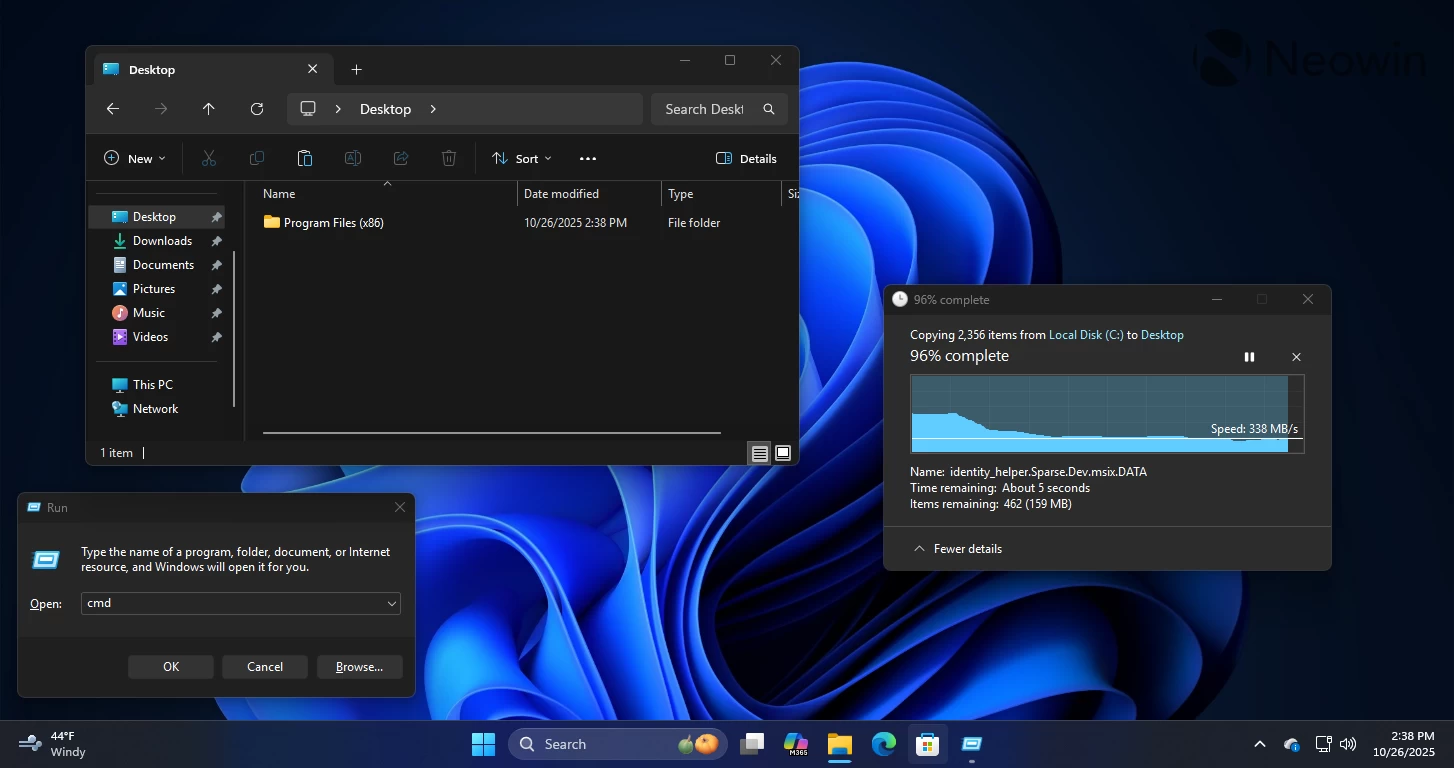
Additionally, Windows 11 finally has a Microsoft-made tool for automatic theme switching. Starting with version 0.95, PowerToys has the Light Switch module, which can toggle between light and dark mode on schedule or with a keyboard shortcut. On a side note, PowerToys 0.95 also borrowed a very useful productivity tool from macOS.
3. Windows Update
This is not the most earth-shattering change, but it is still welcome, especially for less experienced users. Windows Update now has simplified update names for improved readability and simplicity. Long and overcomplicated names are gone; instead, Microsoft now uses simple stuff like "Preview Update," "Security Update," "Driver Update," etc. The new naming scheme is already available for all Windows users.

Besides that, Microsoft fixed error 0x800f0983 and made Windows Update slightly less irritating. Now, when you click "Update and shutdown," the system should properly turn itself off—no more unsolicited restarts.
4. Initial system setup or OOBE
At the beginning of October, Microsoft released new Windows 11 preview builds, which introduced the long-requested ability to set a name for the default user folder. This feature is particularly useful for those who set up Windows 11 the way Microsoft wants it—with the Internet on and a Microsoft Account. Now, you can have the proper folder name instead of the first five letters of your MSA email.
Sadly, the implementation is quite convoluted, and it requires using the Command Prompt with a bunch of commands. You can bet that not a lot of users will bother doing that or even know they can do that.
Speaking of the Internet and MSA, Microsoft continues waging its war against local accounts and offline setups. Changes in the latest Windows 11 builds make it harder to set up the system in local offline mode, but it is still possible—check out this guide. Note that all these changes are currently present in preview builds.
5. Copilot
The Copilot app now has better access to system settings, which allows it to better recommend your system settings and offer quick access to them. For example, you can say that your screen is too dim, and it will show you a link to display settings.
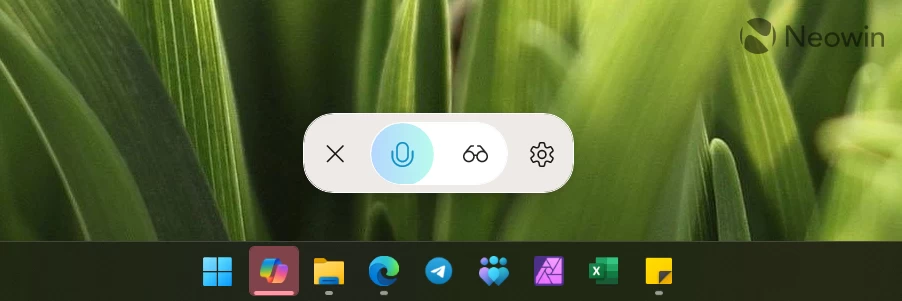
Additionally, you can invoke Copilot with the "Hey Copilot" command and even ask it to do something with your local files while you are busy with something else.
What are your favorite changes that Windows 11 received this month? Share your thoughts in the comments.
Hope you enjoyed this news post. Feedback welcome.
Posted Sunday 2 November 2025 at 3:51 am AEST (my time).
News posts... 2023: 5,800+ | 2024: 5,700+ | 2025 (till end of October): 5,009
- Asim and scarabou
-
 2
2
Recommended Comments
There are no comments to display.
Join the conversation
You can post now and register later. If you have an account, sign in now to post with your account.
Note: Your post will require moderator approval before it will be visible.