

3175x175(CURRENT).thumb.jpg.b05acc060982b36f5891ba728e6d953c.jpg)
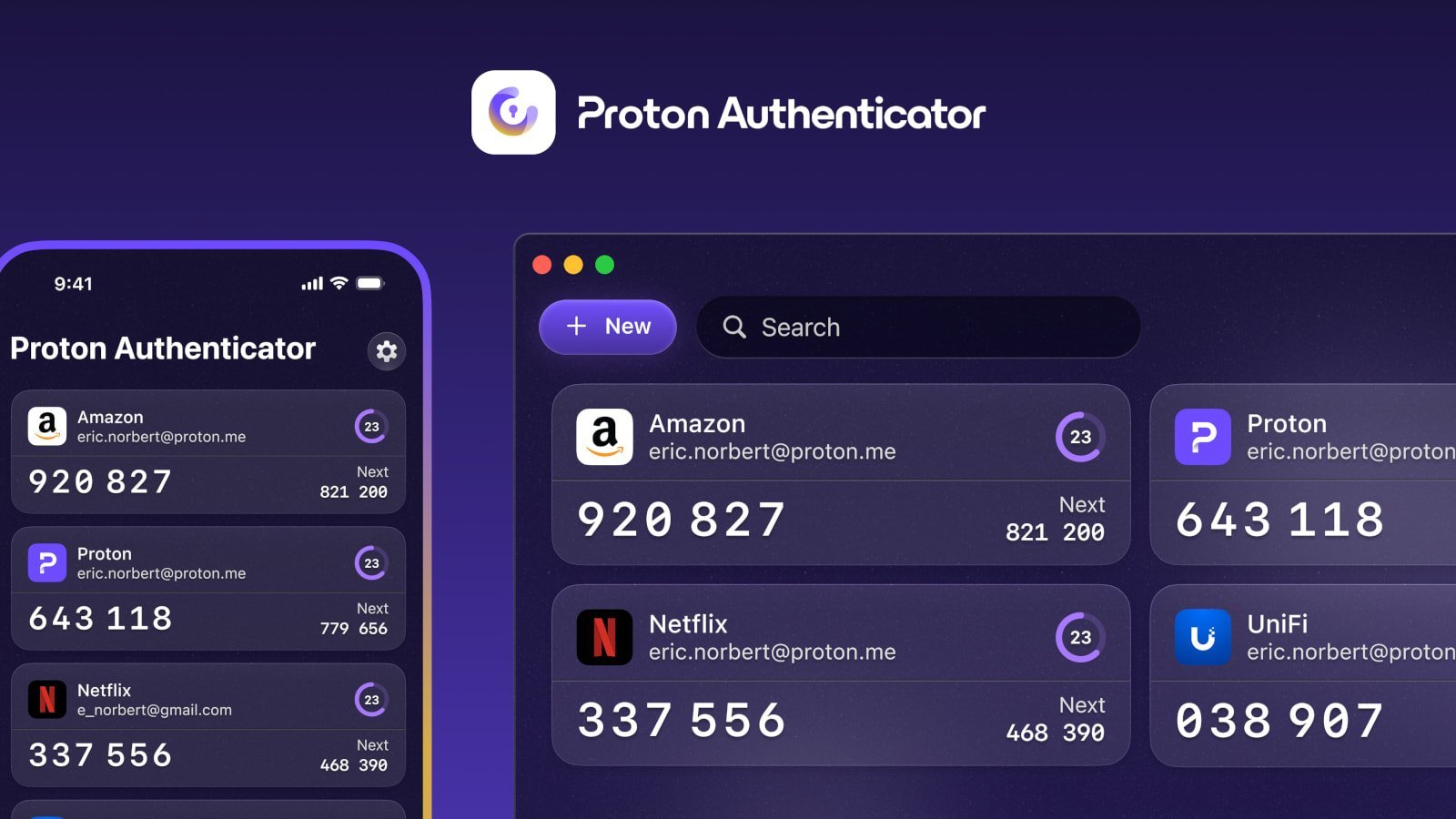
Proton fixed a bug in its new Authenticator app for iOS that logged users' sensitive TOTP secrets in plaintext, potentially exposing multi-factor authentication codes if the logs were shared.
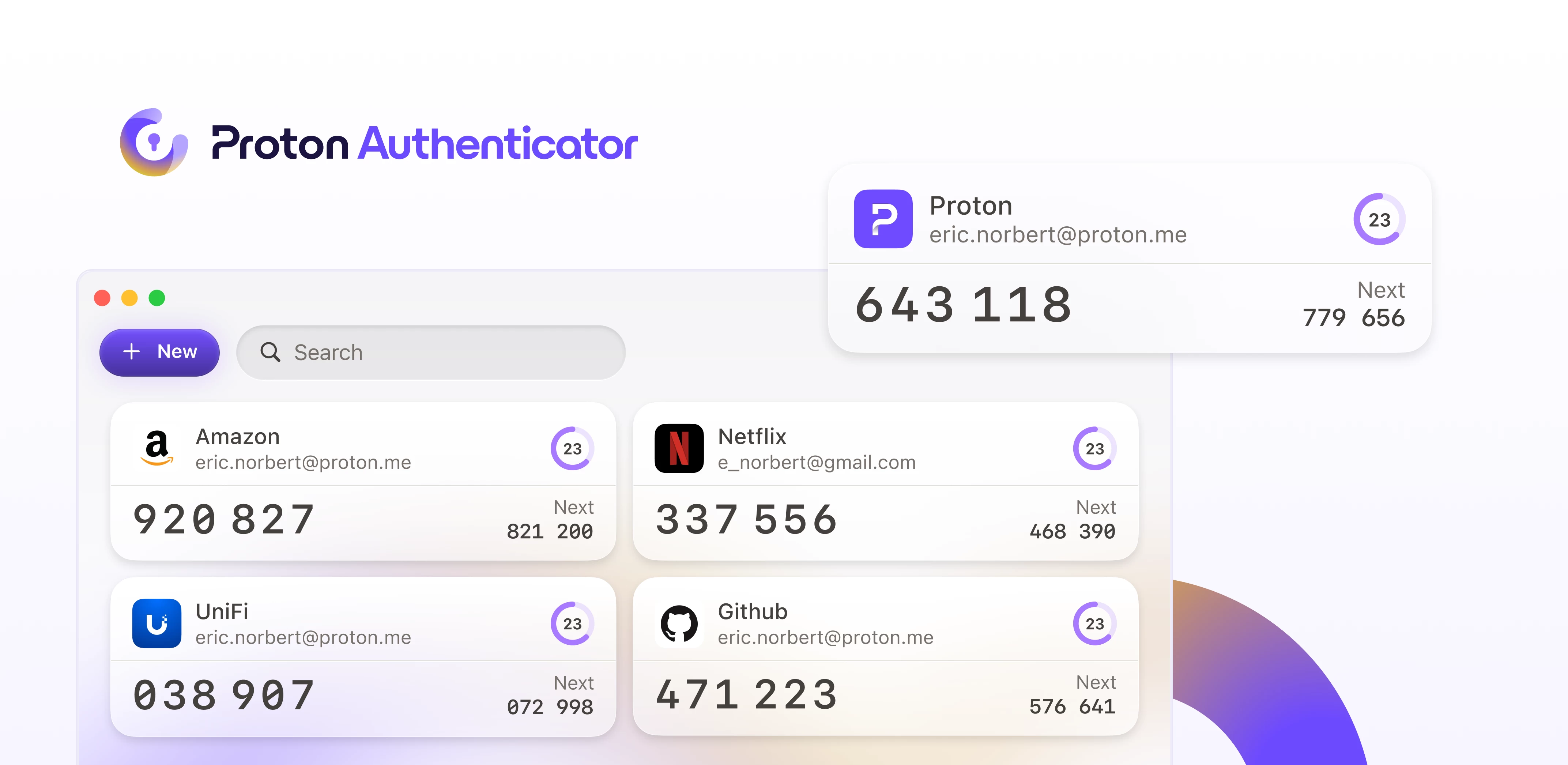
Last week, Proton released a new Proton Authenticator app, which is a free standalone two-factor authentication (2FA) application for Windows, macOS, Linux, Android, and iOS.
The app is used to store multi-factor authentication TOTP secrets that can be used to generate one-time passcodes for authentication on websites and applications.
Over the weekend, a user posted in a now-deleted Reddit post that the iOS version was exposing TOTP secrets in the app's debug logs found under Settings > Logs.
"Imported my 2FA accounts, enabled backup and sync, everything looked good at first. At some point, after I changed the label on one of my entries and switched apps briefly," reads an archive of the post.
"I came back to find that about half of my 2FA entries were gone. I think it might've happened after the label edit, but I'm not 100% sure. Could've been something else. Either way, they disappeared without any error or warning."
"I wanted to do the right thing and submit a bug report. While preparing it, I opened the log file the app generates, and that's when it went from mildly annoying to deeply concerning. Turns out, the log contains full TOTP secrets in plaintext. Yes, including the one for my Bitwarden account."
Another commenter noted that the leak stems from code on the iOS app [1, 2] that adds a lot of data about a TOTP entry to a params variable, which is then passed to two functions used for adding or updating a TOTP secret on the app.
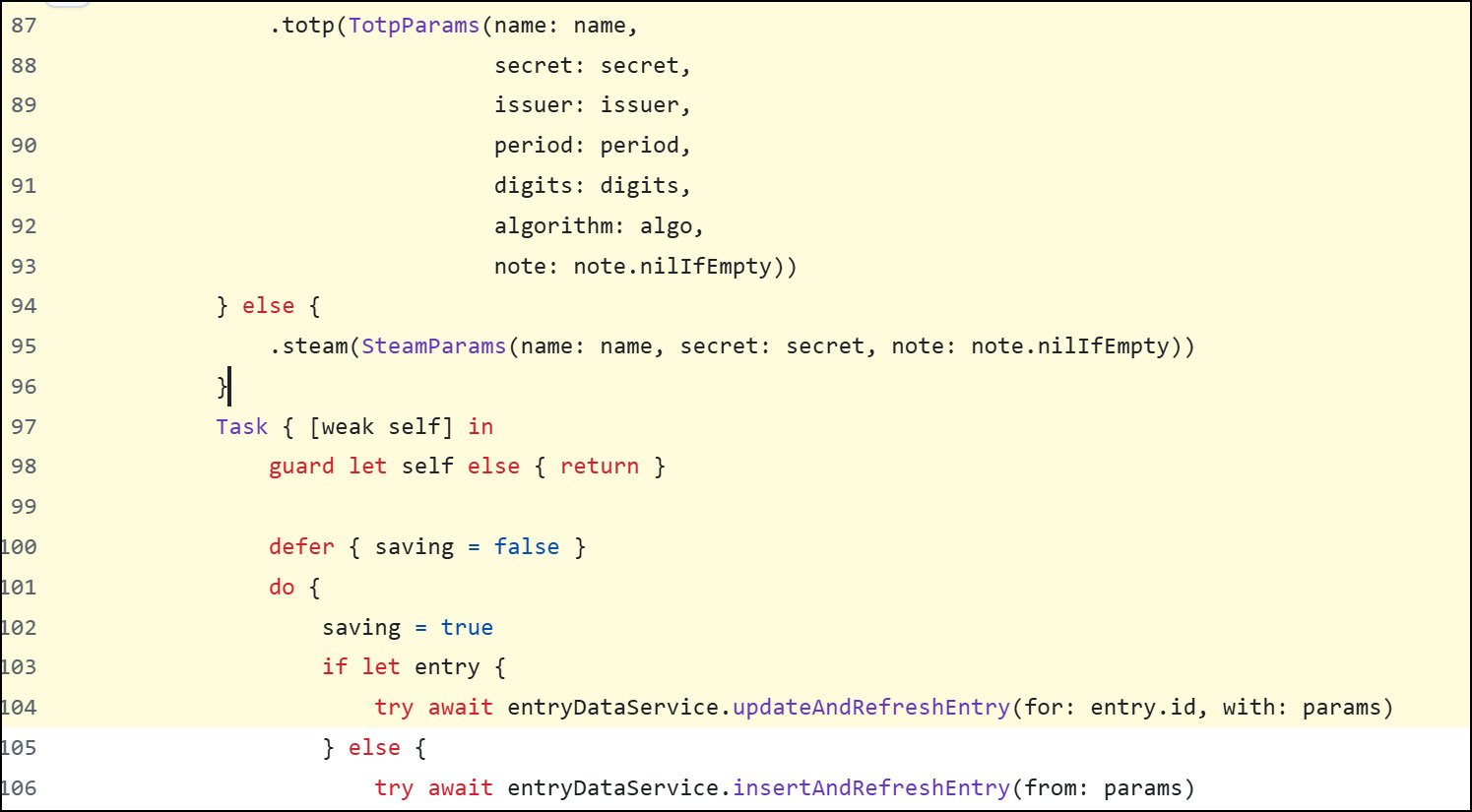
When this is done, the functions will also add this data to a log entry, which exposes the TOTP secret.
Proton confirmed the bug in the iOS version, stating that it is now fixed in version 1.1.1, released to the App Store approximately 7 hours ago.
"Secrets are never transmitted to the server in plaintext, and all sync of secrets is done with end-to-end encryption. Logs are local only (never sent to the server), and these secrets can also be exported on your device to meet GDPR data portability requirements," Proton told BleepingComputer.
"In other words, even if this was not in the logs, somebody who has access to your device to get these logs, would still be able to obtain the secrets. Proton's encryption cannot protect against device side compromise, so you must always secure your device as that is outside of our threat model."
"We have updated the iOS app to change the logging behavior, but this isn't a vulnerability that can be exploited by an attacker, and if the attacker has access to your device to access the local logs, they will anyways be able to obtain the secrets, and there is nothing Proton (or any 2FA app) can do to prevent that."
While this log data can't be exploited remotely, the concern was that if the logs were shared or posted anywhere to help diagnose an issue or bug, it would also expose the sensitive TOTP secret to a third party.
These secrets could then be imported to another Authenticator to generate one-time passcodes for that account.
Hope you enjoyed this news post.
Posted Tuesday 5 August 2025 at 12:21 pm AEST (my time).
News posts... 2023: 5,800+ | 2024: 5,700+ | 2025 (till end of July): 3,458
RIP Matrix | Farewell my friend
- phen0men4 and Fowler
-
 2
2
Recommended Comments
There are no comments to display.
Join the conversation
You can post now and register later. If you have an account, sign in now to post with your account.
Note: Your post will require moderator approval before it will be visible.