

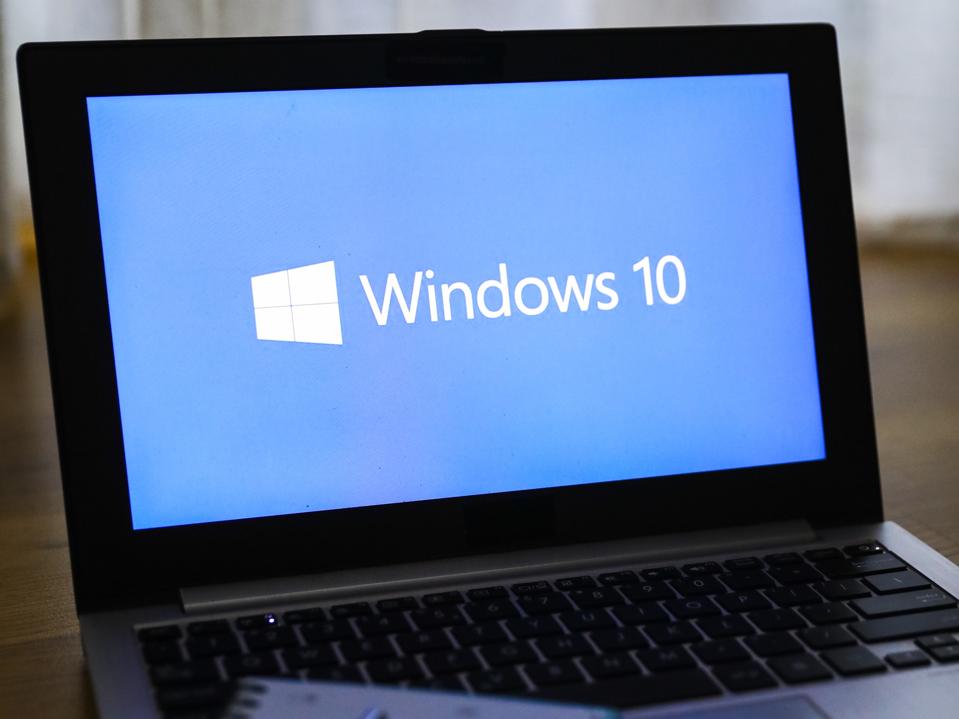

The latest Windows 10 update, KB5066791, is here. It patches some bugs but is mostly aimed at enterprise customers. So what makes it special, you might ask? It stands out because, unless you sign up to Microsoft’s Extended Security Updates, it’s the last Window 10 update you’ll ever see.
That’s important because it means that your Windows 10 computer will gradually become less secure.
“Microsoft does not warn that it’s the last update, but it does show a small nudge to sign up for Extended Security Updates,” Windows Latest reports.
So, what should you do to keep your PC secure?
First up, if you think you would like Windows 11 after all, it’s free to upgrade to it — and there are plenty of nudges from Microsoft to do that.
But what if your PC isn’t capable of running Windows 11? This is something you can check. Microsoft explained what to do in a recent support document: “To check if your PC is eligible for the free upgrade go to Start > Settings > Update & Security > Windows Update and select Check for updates,” it said.
But what if you like Windows 10, thank you very much, and don’t want to move to the next OS? There are hundreds of millions of users who haven’t chosen to move to Windows 11, by the way.
In that case, you have the ESU option. This will provide security updates for almost a year, until Oct. 14, 2026. Microsoft really does want you on Windows 11 after that, but you have 12 months grace to, as the company puts it, prepare for the transition to Windows 11.
To sign up to ESU costs $30, but you can choose to redeem 1,000 Microsoft Rewards points instead of paying cash. Even better, the $30 fee is waived, making it a free option, if you agree to sync your PC settings.
To sign up for this, go to Settings, then choose Update & Security and Windows Update. If your device meets the prerequisites, click on the link marked Enroll now and sign in with your Microsoft account.
- Adenman
-
 1
1
Recommended Comments
There are no comments to display.
Join the conversation
You can post now and register later. If you have an account, sign in now to post with your account.
Note: Your post will require moderator approval before it will be visible.