

3175x175(CURRENT).thumb.jpg.b05acc060982b36f5891ba728e6d953c.jpg)
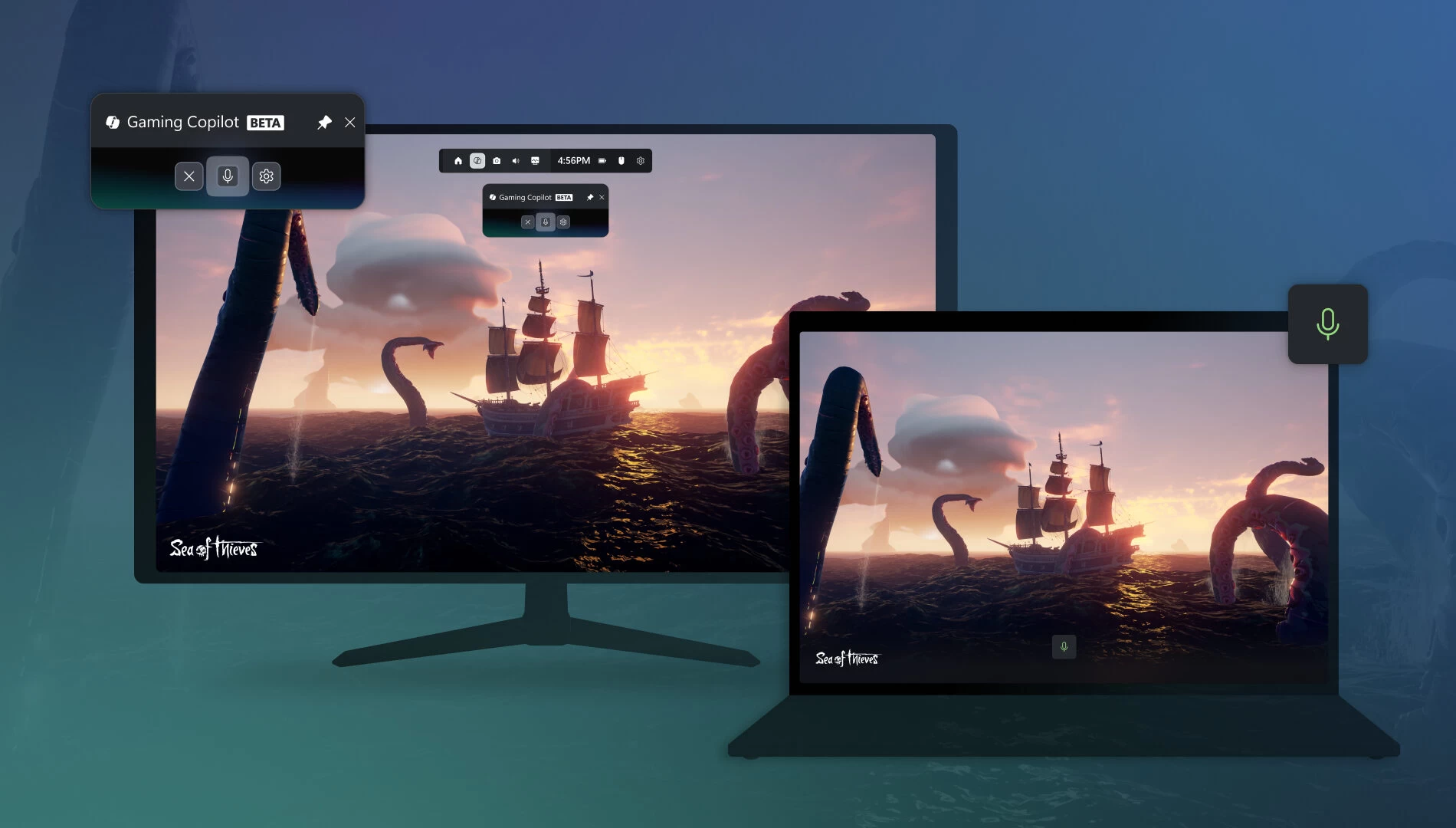
Microsoft recently launched Gaming Copilot, a new flavor of its AI efforts tailored to gamers so that they can get help and useful info on the go, right from the Game Bar on their PCs. However, not everyone is happy about it, and people are now accusing Microsoft of sneakily taking screenshots of their gameplay to train AI.
A post on the ResetEra forum has a user complaining about Gaming Copilot sending screenshots of their gameplay to Microsoft (spotted by analyzing network activity) without consent. There is also a screenshot of privacy settings turned on to allow Microsoft to use data to train its models, which, allegedly, were enabled, again, without consent. Naturally, the post sparked outrage in replies, and Microsoft now has an answer to that. A Microsoft spokesperson said the following:
When you’re actively using Gaming Copilot in Game Bar, it can use screenshots of your gameplay to get a better understanding of what’s happening in your game and provide you with more helpful responses. These screenshots are not used to train AI models, and Gaming Copilot is an optional feature that only has access to gameplay when you’re playing a game and actively using it.
Separately, Gaming Copilot may use its text or voice conversations with players to help train and improve AI. Players can adjust Gaming Copilot’s privacy settings by visiting ‘Settings’ in [the] Game Bar, followed by ‘Privacy Settings.
In other words, Microsoft is not using screenshots of your gameplay to train AI. However, it still takes screenshots so that Copilot can understand what is going on. It is possible to let Microsoft use your conversations with Gaming Copilot to train models, but these features should be manually enabled in Gaming Copilot settings. Neowin checked Gaming Copilot on several machines, and all of them had training turned off by default.
Microsoft says that Gaming Copilot only takes screenshots when you are using the feature. Still, many users want to get rid of it, but the unfortunate reality is that the only way to remove Gaming Copilot is to get rid of Game Bar altogether, which, in turn, takes down quite a lot of actually useful features for PC gaming. What is clear is that despite Microsoft's efforts, people do not appear to be very happy with the overwhelming injection of AI into everyday products, particularly when it comes to privacy concerns.
Source: Tom's Hardware
Hope you enjoyed this news post. Feedback welcome.
Posted Sunday 26 October 2025 at 4:49 am AEST (my time).
News posts... 2023: 5,800+ | 2024: 5,700+ | 2025 (till end of September): 4,533
- Tzcon
-
 1
1
Recommended Comments
There are no comments to display.
Join the conversation
You can post now and register later. If you have an account, sign in now to post with your account.
Note: Your post will require moderator approval before it will be visible.