

3175x175(CURRENT).thumb.jpg.b05acc060982b36f5891ba728e6d953c.jpg)
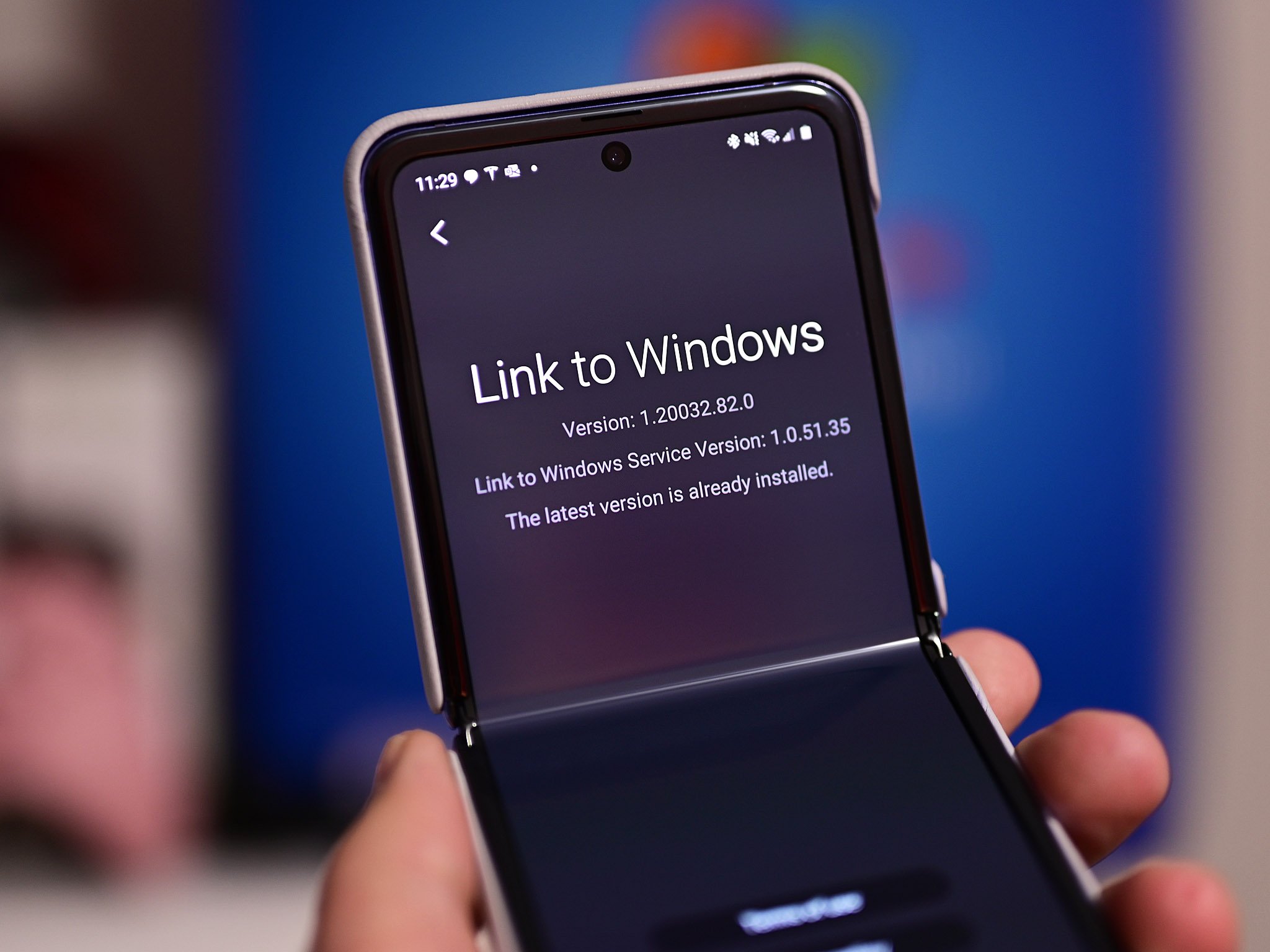
A new update to the Link To Windows app on Android has introduced the ability to remotely lock your PC using your phone with the tap of a button.
Microsoft is rolling out an update for the Link To Windows app on Android that has added the ability to remotely lock your Windows 11 PC using your phone. This is handy for when you step away for brief moment, only to realize you might be away from your PC longer than you thought.
Instead of having to trek all the way back to lock your PC, you can now just pull out your phone, open the Link To Windows app, and hit the new "Lock PC" button. Once pressed, your PC will automatically lock itself without you needing to touch it. Notably, the lock PC button will also disconnect your phone from Windows Phone Link until you log back in. This feature requires Link To Windows version 1.25071.165 or newer, though it doesn't appear to be showing for everyone yet.
Windows itself has featured a dynamic lock feature for years, which lets the OS automatically lock when you step away from your PC based on whether your phone stays connected via Bluetooth. This new feature doesn't require Bluetooth, and can be initiated manually.
It comes as part of a redesigned Link To Windows app that places all of its core functions in one convenient place. The app now lets you view your most recently shared files and photos, as well as recent text copied to your clipboard if you have clipboard sync enabled.
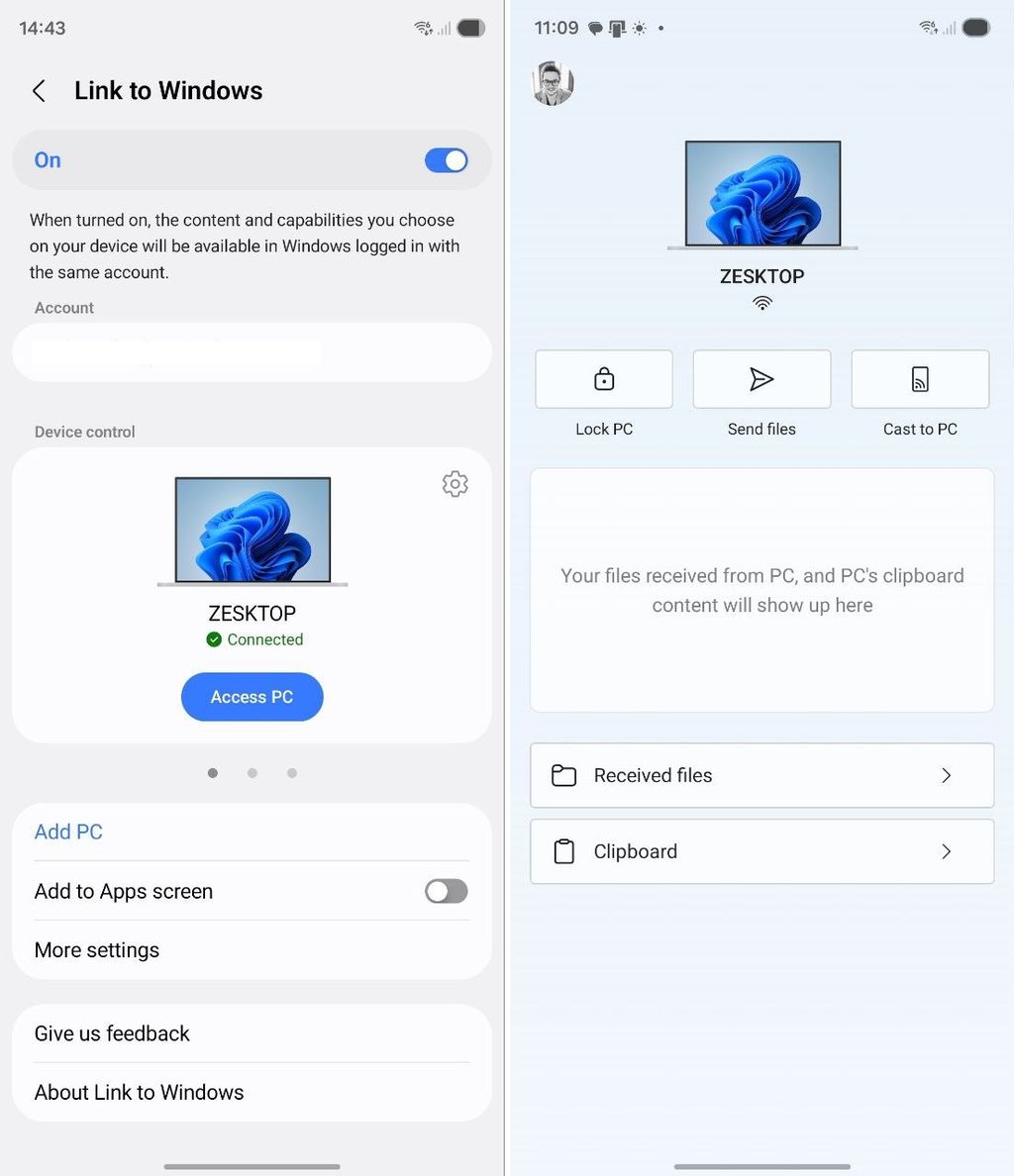
The Link To Windows App now has an "access PC" button which takes you to a page that lets you control things like PC lock and more.
(Image credit: Windows Central)
Additionally, you can initiate sharing files and photos from your phone to your PC via this new screen, as well as casting your phone's screen to your PC. Previously, these functions needed to be initiated from the Windows PC, but now it can be initiated from either your PC or Android phone.
Microsoft's Phone Link suite continues to be one of Windows 11's best features. Microsoft recently announced a new feature that adds Phone Link directly into the Start menu interface, letting you see an overview of your smartphone without needing to open an app.
The new Phone Link companion in Start displays your recent notifications and photos, as well as provides quick access to your message, calls, and photos. You can also send files directly to your phone using this new interface in the Start menu.
- shwescorpion
-
 1
1
Recommended Comments
There are no comments to display.
Join the conversation
You can post now and register later. If you have an account, sign in now to post with your account.
Note: Your post will require moderator approval before it will be visible.