

3175x175(CURRENT).thumb.jpg.b05acc060982b36f5891ba728e6d953c.jpg)
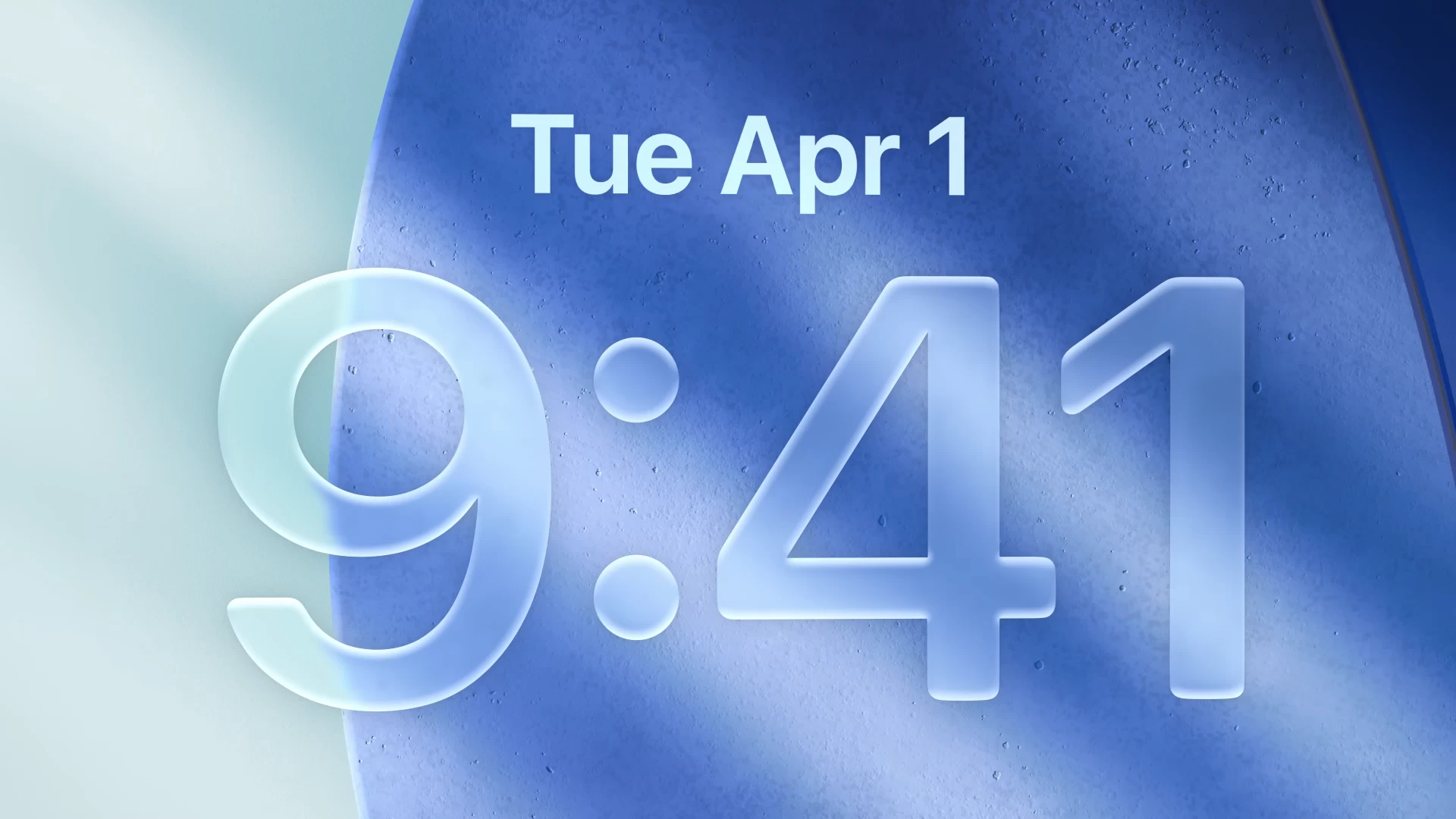
Apple announced Liquid Glass at WWDC 2025 in all of its glory. It's a new glass-inspired design language from the iPhone-maker making its way to most of its software platforms, including iOS 26, iPadOS 26, macOS 26, tvOS 26, and watchOS 26.
Apple markets Liquid Glass as a new translucent material that "behaves like glass in the real world. Its color is informed by surrounding content and intelligently adapts between light and dark environments." The Cupertino giant isn't wrong. The new glass-inspired design does bring a fresh coat of paint and some beautiful visuals to the iPhone and other Apple-made devices.
However, as the dust from the mega arrival settles, people are starting to realize the current drawbacks of having too much glass on their device. There have been reports of users, including those at Neowin, experiencing readability issues, background separation issues, and trouble focusing on the content displayed on the screen due to its transparent nature.
While these are small nuances on Apple's part that can be fixed without much hassle, it's degrading the initial experience of what the company calls its biggest visual upgrade since iOS 7. That said, there are some workarounds built into iOS 26 that will help you tone down the shortcomings.
If you're running the iOS 25 Developer Beta 1 on your supported iPhone model, you can follow these steps to make things a little better:

- Go to the Settings app on your iPhone.
- Scroll down and tap on Accessibility > Display & Text Size.
- Next, you'll find two toggle options: Reduce Transparency and Increase Contrast.
- When you enable the Reduce Transparency toggle button, iOS 26 can "improve contrast by reducing transparency and blurs on some backgrounds to increase legibility."
- The other toggle, Increase Contrast, does what its name suggests. It can "increase color contrast between app foreground and background colors."
Enabling each of these toggle buttons individually or simultaneously will have different effects on your iPhone's user interface. Control Center is being criticized for the extra transparency, making the UI look cluttered and difficult to focus.
Here, the Reduce Transparency button adds a darker background to make the Control Center UI elements stand out. Liquid Glass transparency issues are also prevalent in the Notification Center and the navigation controls of various apps.

In the image above, see how the text of the navigation buttons has become unreadable or hard to focus on with certain backgrounds. It's challenging to determine what can trigger such behavior, as one can have countless color combinations on their device.
In the image below, this is how these buttons look when both Reduce Transparency and Increase Contrast are enabled. It's still a hit or miss depending on what colors you are dealing with. Part of the blame also goes to the fact that iOS 26 is still an early beta, and the change doesn't render as intended every time.

You can also notice the difference in the look and feel of the Control Center when reduced transparency is turned on. On a side note, you can add the Reduce Transparency and Increase Contrast buttons in the Control Center for quicker access.

That said, let's wait to see what changes Apple will implement as it continues to gather feedback through the beta program. Hopefully, the software will become more stable when the first public beta of iOS 26 arrives sometime in July. Interested users can try out the latest iPhone update through the developer beta program, noting that early builds might come with unexpected bugs and issues.
Hope you enjoyed this news post.
Thank you for appreciating my time and effort posting news every day for many years.
News posts... 2023: 5,800+ | 2024: 5,700+ | 2025 (till end of May): 2,377
RIP Matrix | Farewell my friend
Recommended Comments
There are no comments to display.
Join the conversation
You can post now and register later. If you have an account, sign in now to post with your account.
Note: Your post will require moderator approval before it will be visible.